
Overview
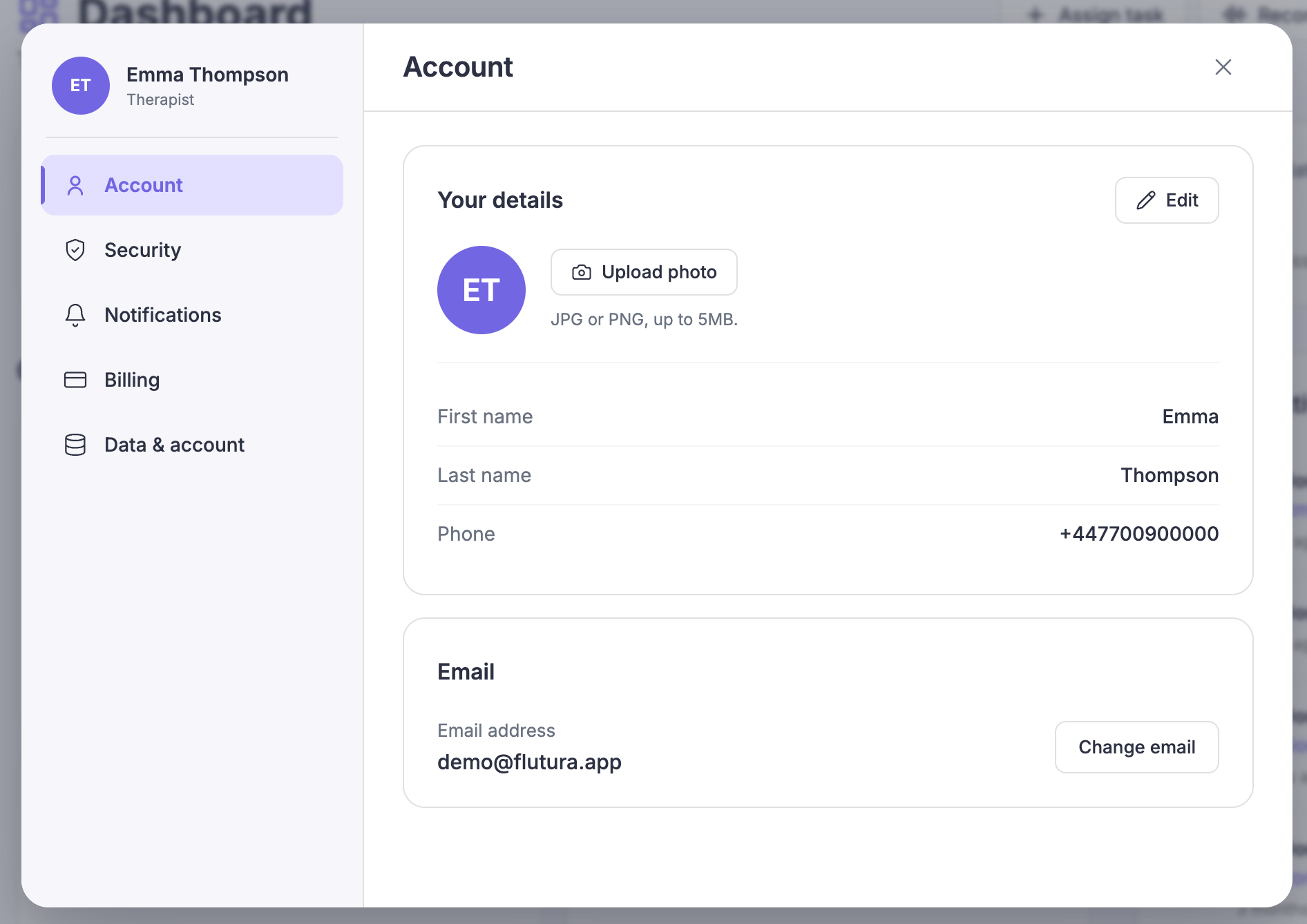
Your profile details live in Settings, in the Account section. You can update your photo, name and phone number here. Your email address is managed in Security.
Updating your details
Open Settings and select Account.
In Your details, select Edit.
The fields become editable.
Update your first name, last name or phone number.
Enter your phone number in full. Flutura accepts numbers from any country.
Select Save.
A Saved confirmation appears. Select Cancel instead to discard your changes.
Changing your profile photo
In Your details, select your photo (or the initials shown in its place).
Choose Upload to add a new image, or Remove to take the current one away.
If you remove your photo, your initials appear instead.
Save your changes.
Your email address
Your email is shown under Email and is read-only here. To change it, select Change email. This opens the Security section, where you confirm the change by email.