
Overview
Your email address is your sign-in identity, so changing it takes one extra step: you confirm the new address by email. Your current address keeps working until you do.
Changing your email
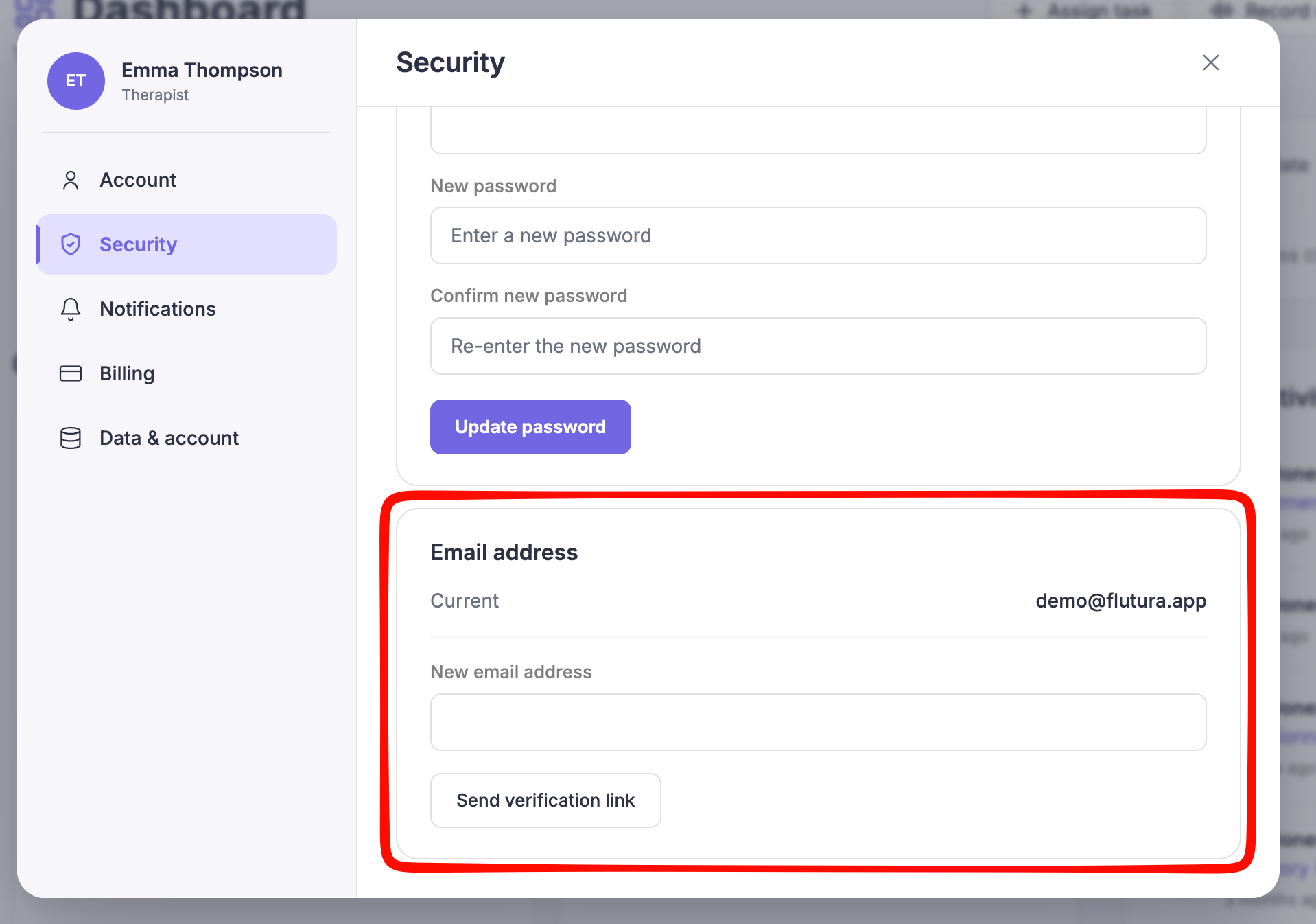
Open Settings and select Security.
You can also reach this from Account by selecting Change email.
Enter your new email address.
Select Send verification link.
We email a confirmation link to the new address.
Open the link in the new address inbox.
The link expires in 30 minutes. Opening it completes the change and signs you in with the new email.
While the change is pending
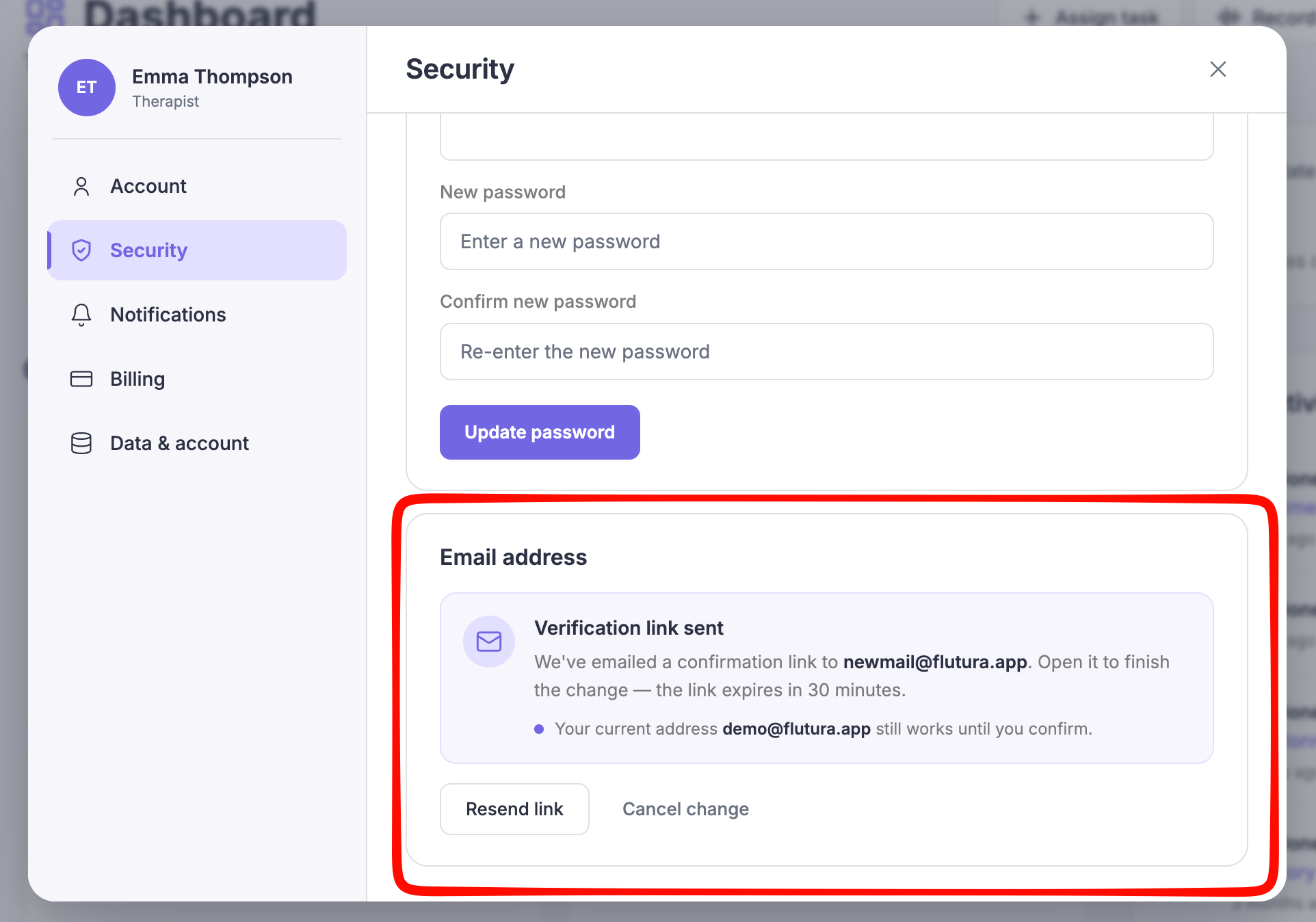
After you send the link, the email card shows a pending state. Your current address still works until you confirm, so you are never locked out. We also send a heads-up message to your old address so you know the change was requested.
From the pending state you can:
Resend link, if the email did not arrive.
Cancel change, to keep your current email.
Common questions
The link expired before I opened it.
Return to Settings and select Resend link to get a fresh one.
Can I use an email already linked to another Flutura account?
No. Each account needs its own email address, so an address already in use is declined.