
Overview
You can change your password at any time from Settings, without signing out. You confirm your current password first, then set a new one.
Changing your password
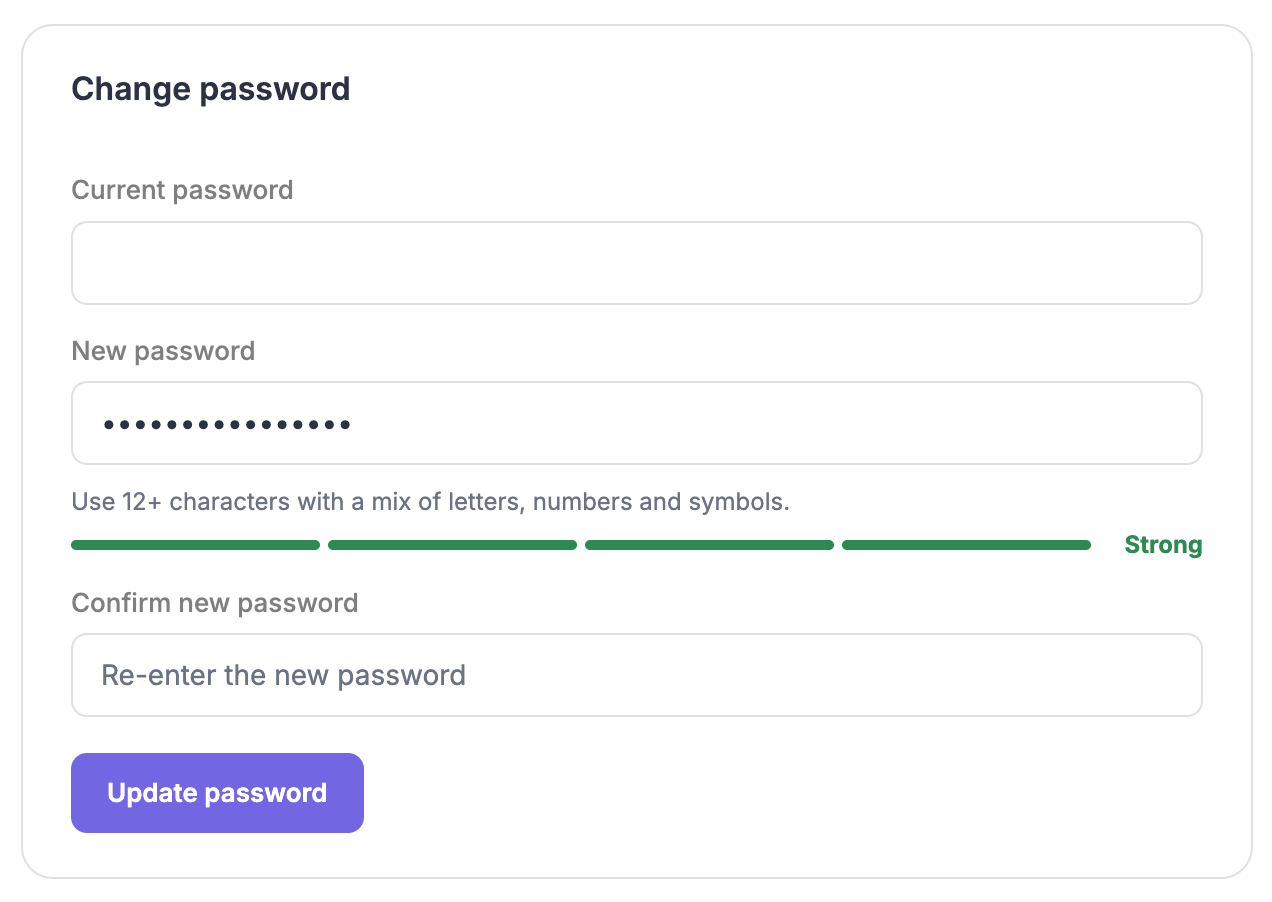
Open Settings and select Security.
Enter your current password.
This confirms the change is you.
Enter your new password.
Your new password needs at least 12 characters. A strength meter shows how strong it is as you type. Aim for the higher end of the meter.
Confirm your new password.
Type it again to check it matches.
Select Save.
A Password updated confirmation appears. You stay signed in, so there is nothing else to do.
Common questions
Why is my current password needed?
It confirms the request is genuinely from you, which protects your account if your device is left open.
What makes a strong password?
Length helps most. A passphrase of several unrelated words is both strong and easy to remember.
I have forgotten my current password.
Sign out and use the Forgot password link on the sign-in screen to reset it by email.