
Overview
Notification preferences let you decide which updates and emails Flutura sends you. You manage them in Settings, in the Notifications section.
Setting your preferences
Open Settings and select Notifications.
Use the toggles to turn each type on or off.
Changes save as you make them.
What you can control
Activity
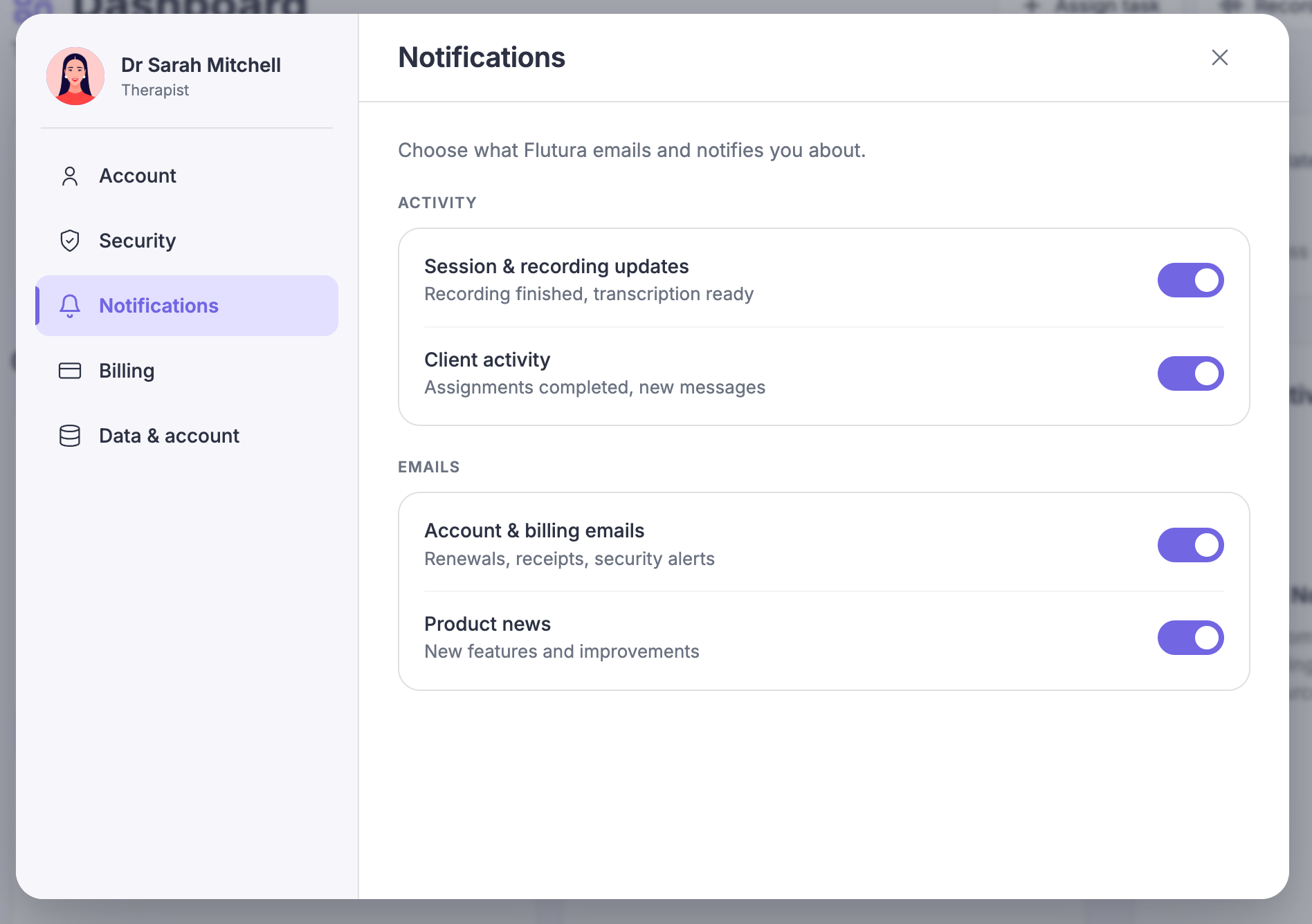
Session and recording updates: alerts when a session recording finishes processing or needs attention.
Client activity: updates when your clients complete tasks or reach milestones.
Emails
Account and billing emails: non-essential updates about your plan and product offers.
Product news: occasional news about new Flutura features. Off by default.
Emails that always send
Some messages are not optional and cannot be turned off. These include security alerts (such as a password or email change), and transactional or legal messages like billing receipts. They send regardless of your toggles, so your account and records stay protected.