
Overview
Your subscription lives in Settings, in the Billing section. You can see your plan at a glance and manage everything else, including invoices, your payment method and plan changes, through the secure billing portal.
Your subscription at a glance
Open Settings and select Billing. The summary shows:
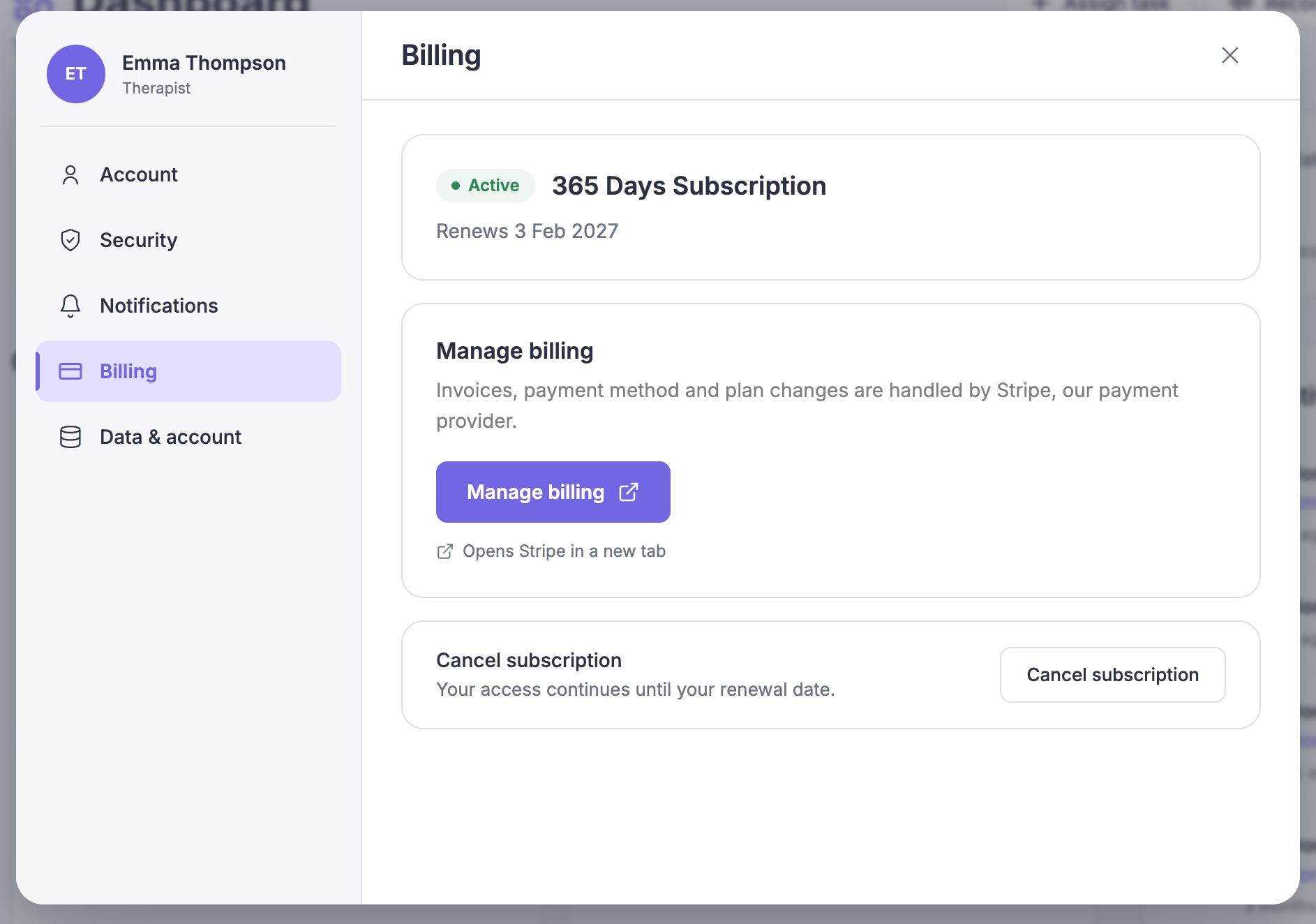
Your plan name.
Your renewal date.
Your subscription status, such as Active or Paused.
Managing invoices, payment method and plan
In Billing, select Manage billing.
This opens the secure billing portal in a new browser tab.
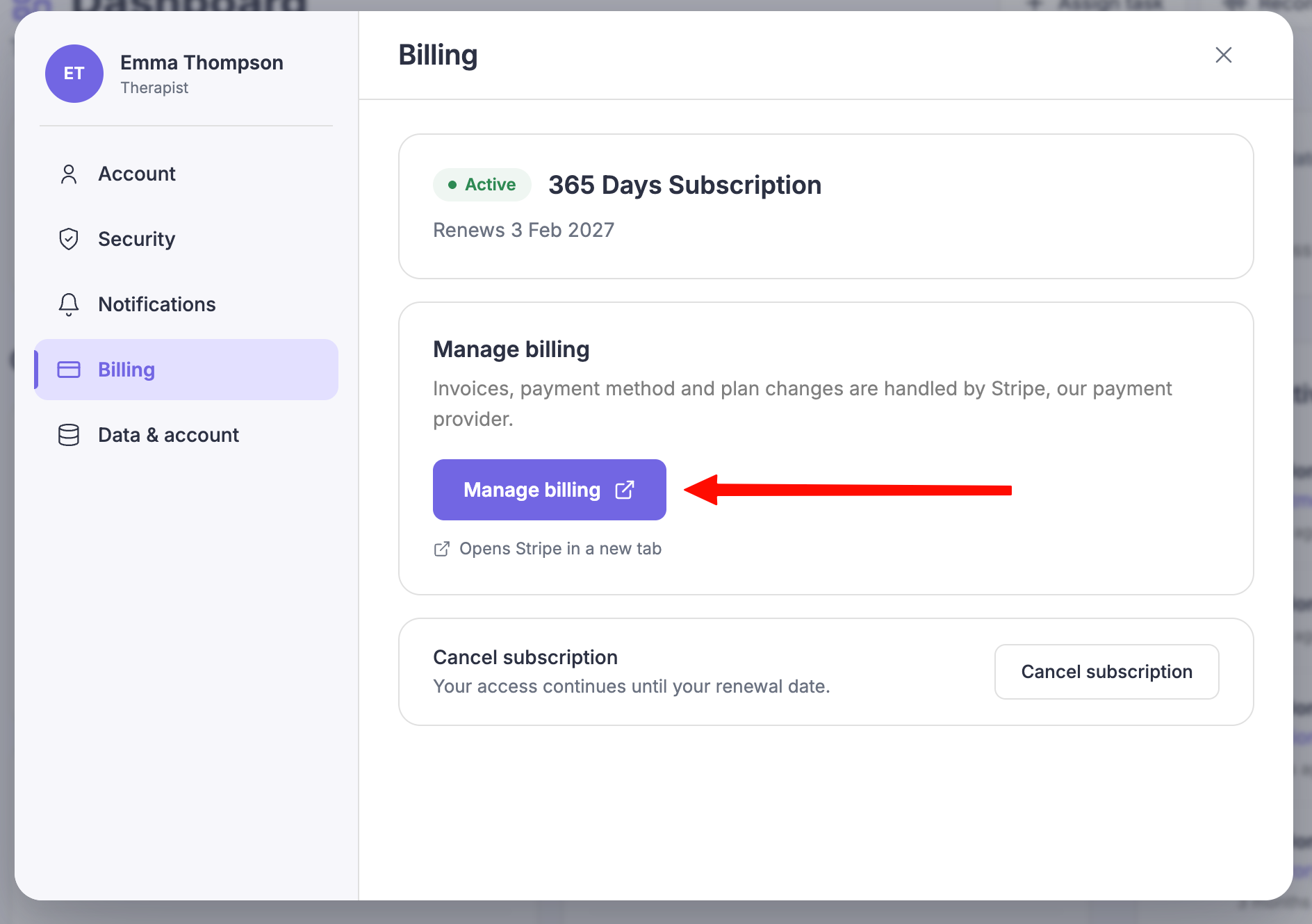
Use the portal to:
download your invoices,
update your payment card,
or change your plan.
Close the tab when you are done.
Your changes sync back to Flutura automatically.
Common questions
Where are my invoices?
Inside the billing portal. Select Manage billing, then open the invoices section.
Manage billing is not available.
If your subscription was not set up through the billing portal, the button may be hidden. Contact support and we will help.