
Overview
You can request a copy of your Flutura data at any time. This includes your profile, your sessions and notes, client assignments, library favourites, subscription details and your stats. Flutura prepares the export in the background and emails you a download link when it is ready.
Requesting your export
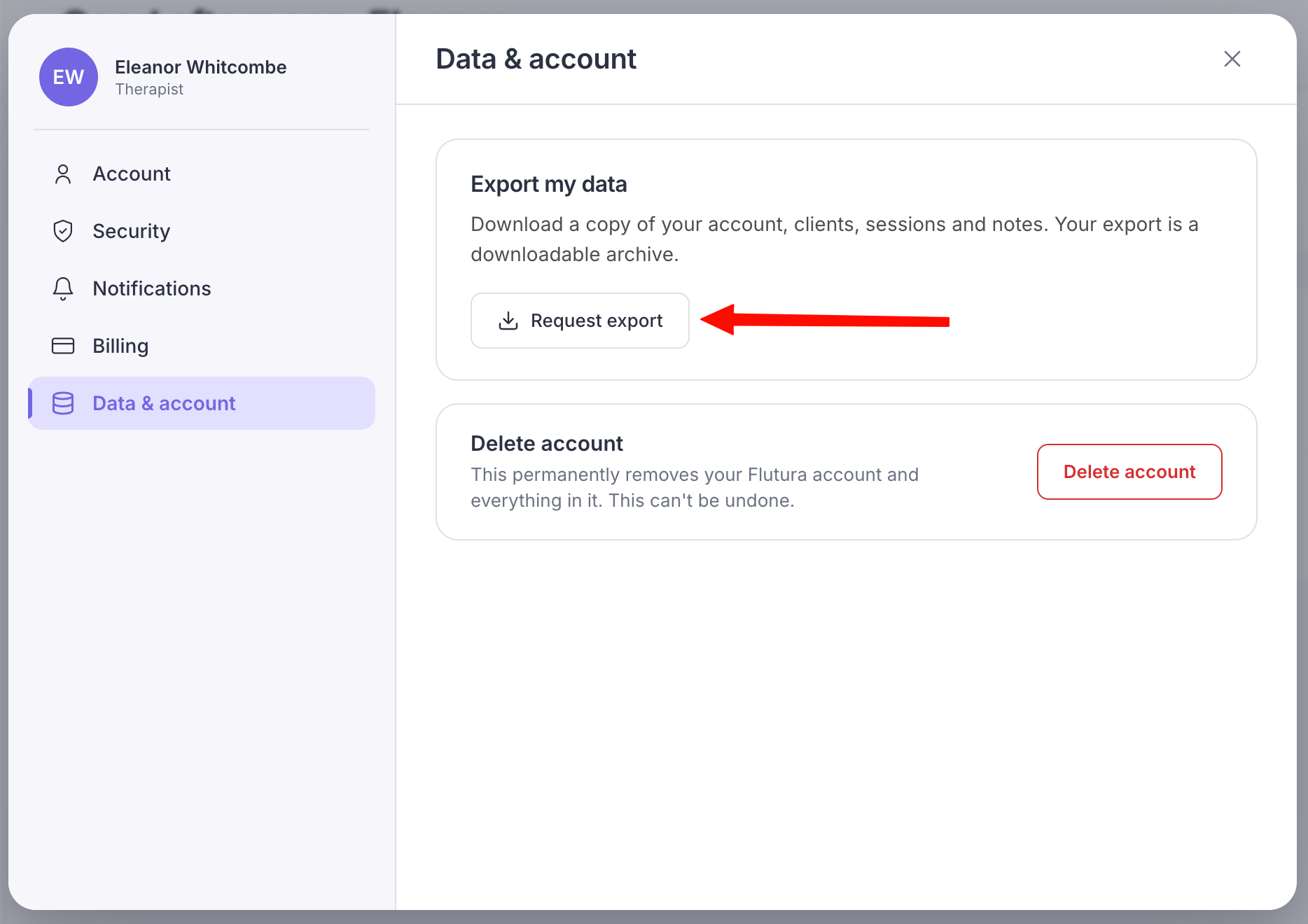
Open Settings and select Data & account.
Select Request export.
Flutura starts preparing your data. You can keep using Flutura while it works; you do not need to wait on this screen.
Wait for the email.
When the export is ready, we email you a download link. Larger accounts take a little longer.
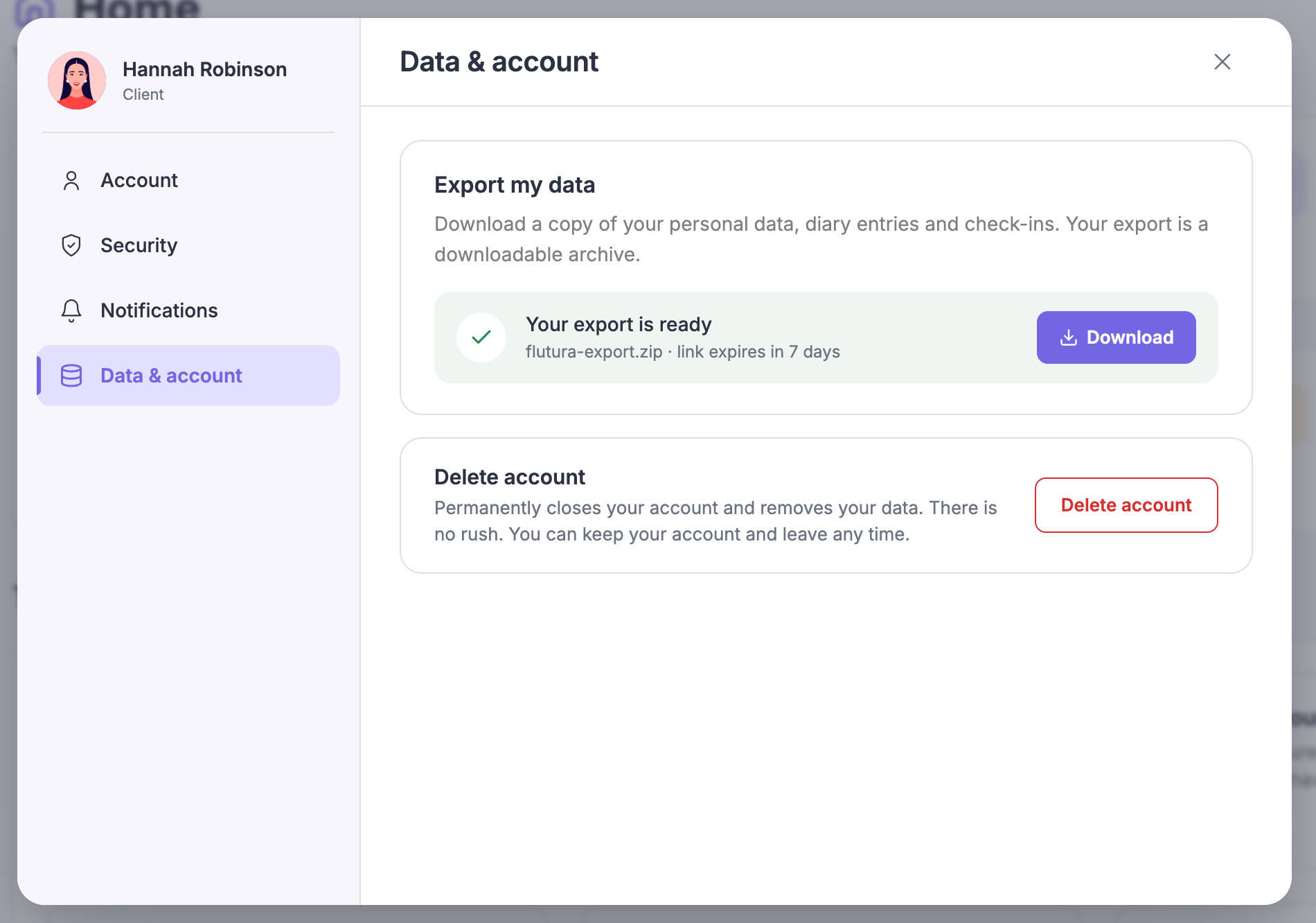
Download your file.
The export is a ZIP file of your data. The download link is valid for 7 days, so save the file somewhere safe before then.
Common questions
What format is the export?
A ZIP file containing your data as structured files you can open and keep.
The link expired.
Request a new export from the same screen to generate a fresh link.
Can I run more than one export at once?
You can have one export preparing at a time. Wait for the current one to finish before requesting another.