
Overview
Deleting your account is deliberate and reversible for a while. You confirm in a few steps, then your account is scheduled for deletion with a grace period of about 30 days. If you change your mind, signing back in lets you cancel.
Before you start
Deleting your account removes your profile, your sessions and notes, your client assignments, your library favourites and your stats once the grace period ends. If you want to keep a copy of anything, export your data first.
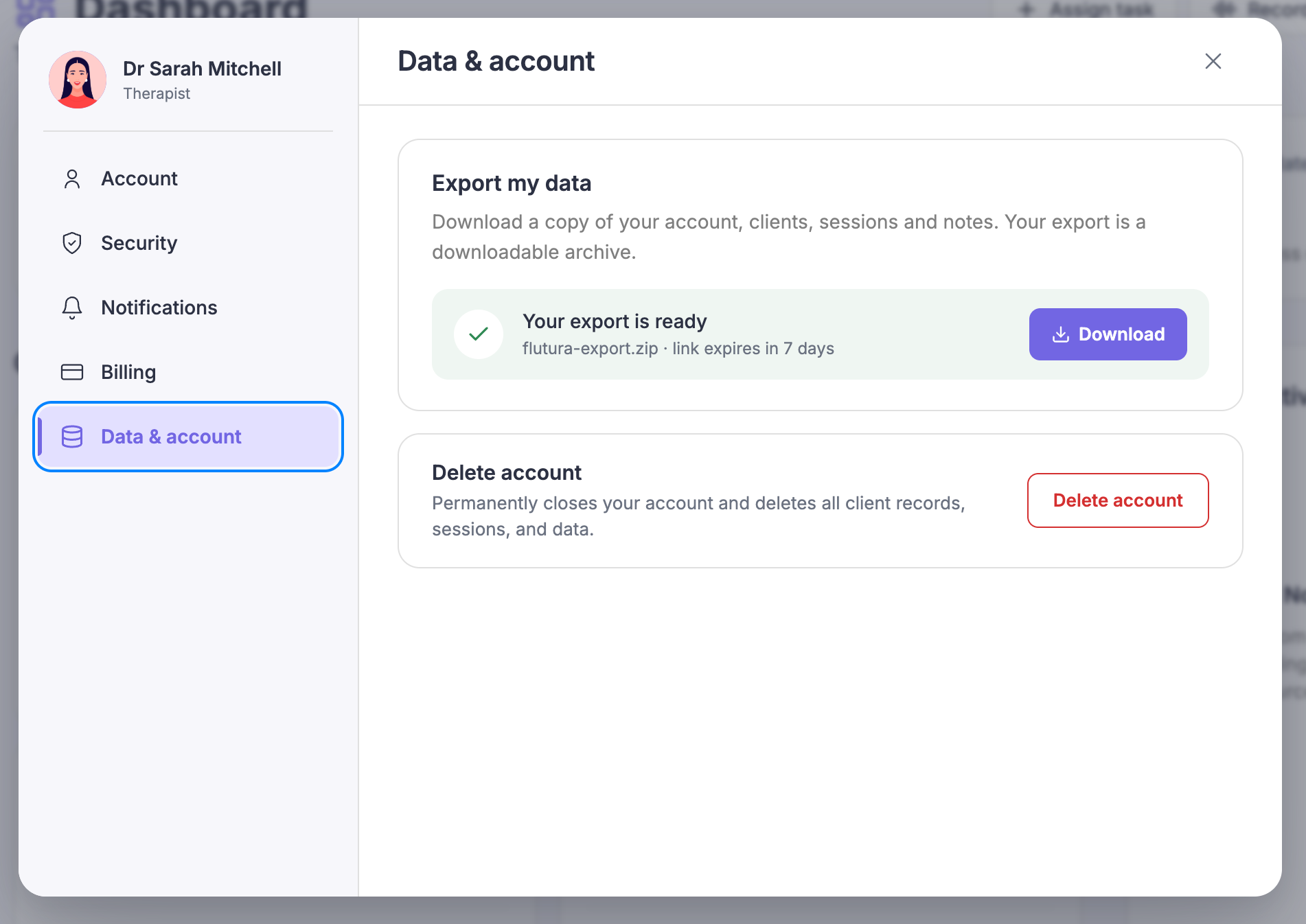
Deleting your account
Open Settings and select Data & account, then select Delete account.
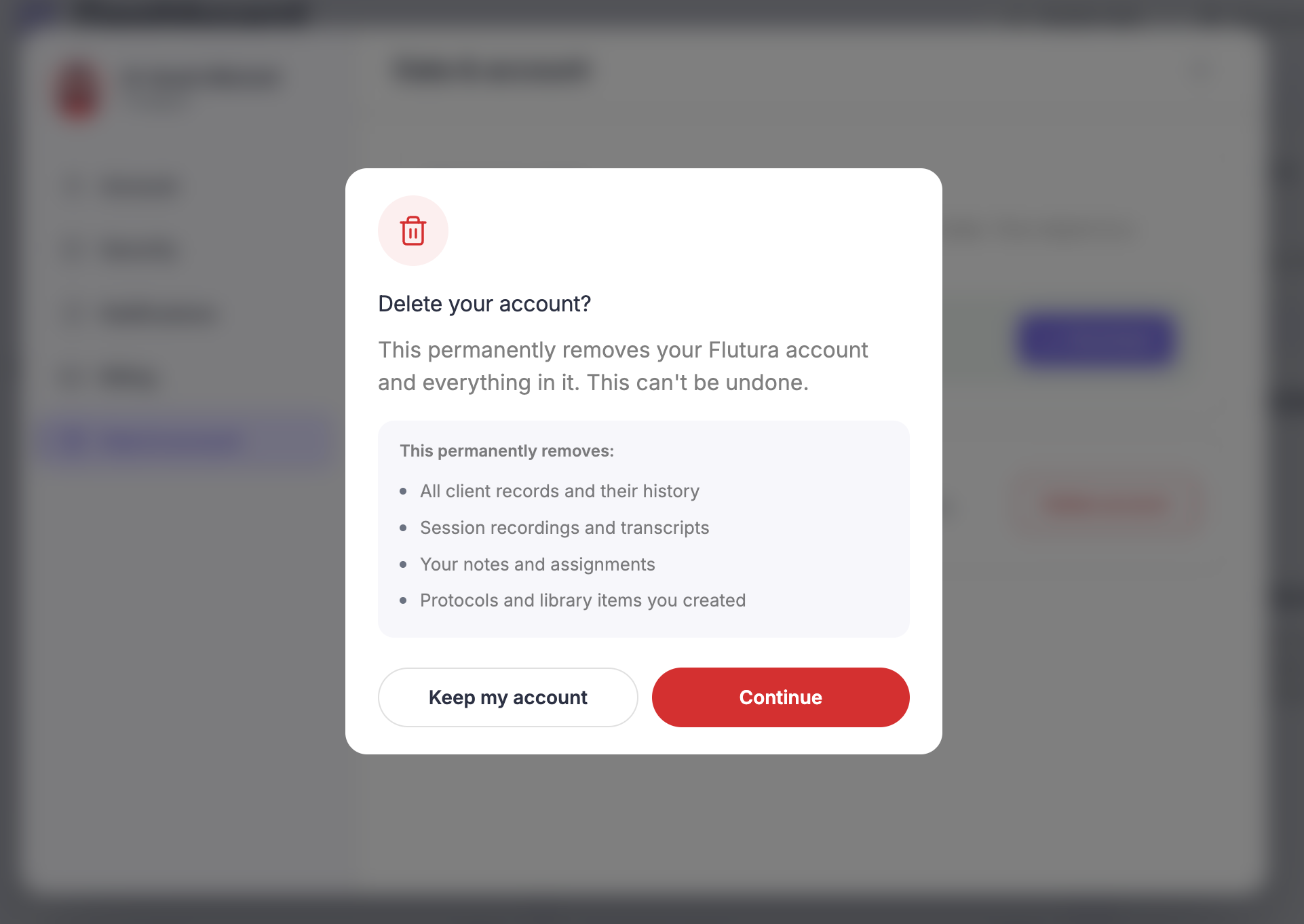
Step one lists what deletion removes, so you can see the full picture.
Confirm you understand, then continue to the next step.
Type DELETE to confirm.
The confirm button stays inactive until the word matches exactly. This step prevents accidental deletion.
Confirm.
Your account is scheduled for deletion and you are signed out. The final screen shows the date it will be deleted.
What happens to your subscription
When you schedule deletion, your subscription is set to cancel at the end of the current period, so you are not billed again during the grace period.
Changing your mind
Your account is not deleted straight away. At any point before the scheduled date, sign in again and you will be asked whether you want to reactivate. Select Reactivate to restore your account. If your subscription has lapsed by then, you will be guided to resubscribe.