
Overview
When you send a worksheet or an assessment (a questionnaire), your therapist receives what you sent. You can open it again at any time to look back at it. The screenshots in this article come from a demo workspace, and no real client information is shown.
Looking back at what you sent
Open Tasks and select the task. A task you have sent shows Completed.
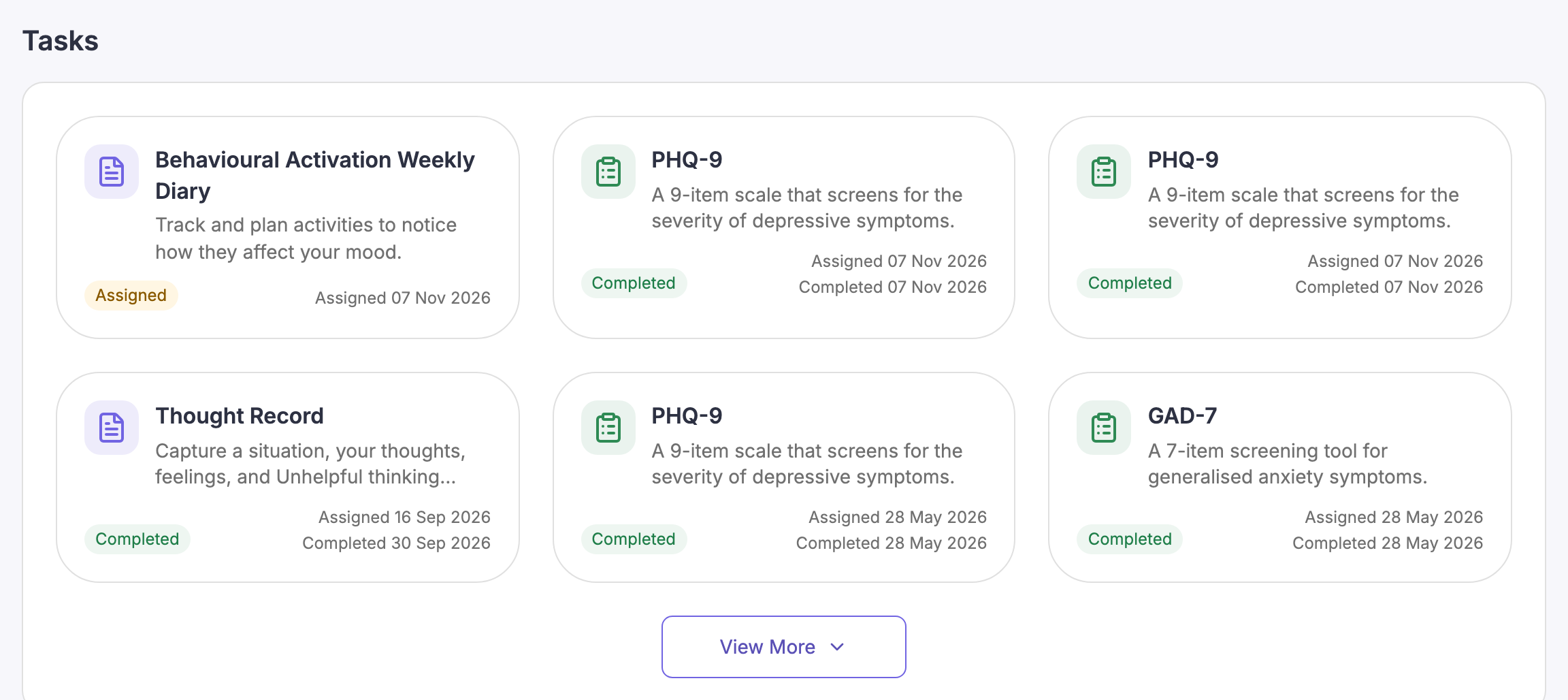
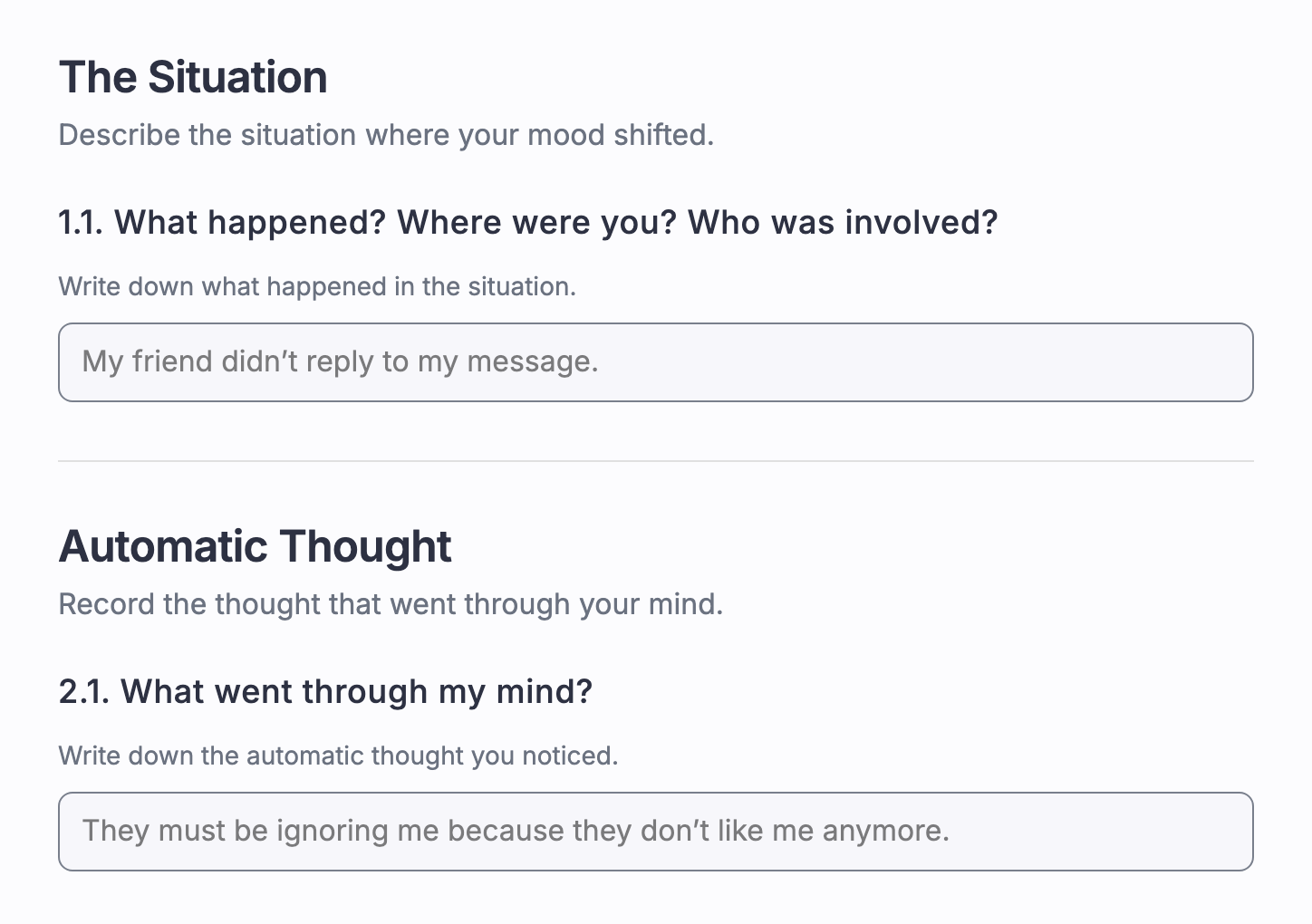
It opens as a copy of what you sent, ready to read. A link in one of your notifications opens it the same way.
If you want to change something
There is no edit option on a task once you have sent it. Tell your therapist instead. They can see exactly what you sent. You can go through it together at your next session, and if an answer went in by mistake, they can correct it for you.
If you see "already been submitted"
One of these messages can appear if you had a task open somewhere else, such as on another device or in another browser tab, when it was sent:
This assessment has already been submitted.
This worksheet has already been submitted.
The worksheet message can also appear if your therapist has marked the worksheet as done.
Nothing new was saved. Open the task from Tasks to see what your therapist has.
Your diary stays open
Your Behavioural Activation Diary works differently. You can keep adding to this week and to the weeks ahead. Using your Behavioural Activation Diary explains how.
If you need help now
If you feel unsafe, you can call emergency services (999 UK) or Samaritans 116 123. You're not alone, support is available 24/7.