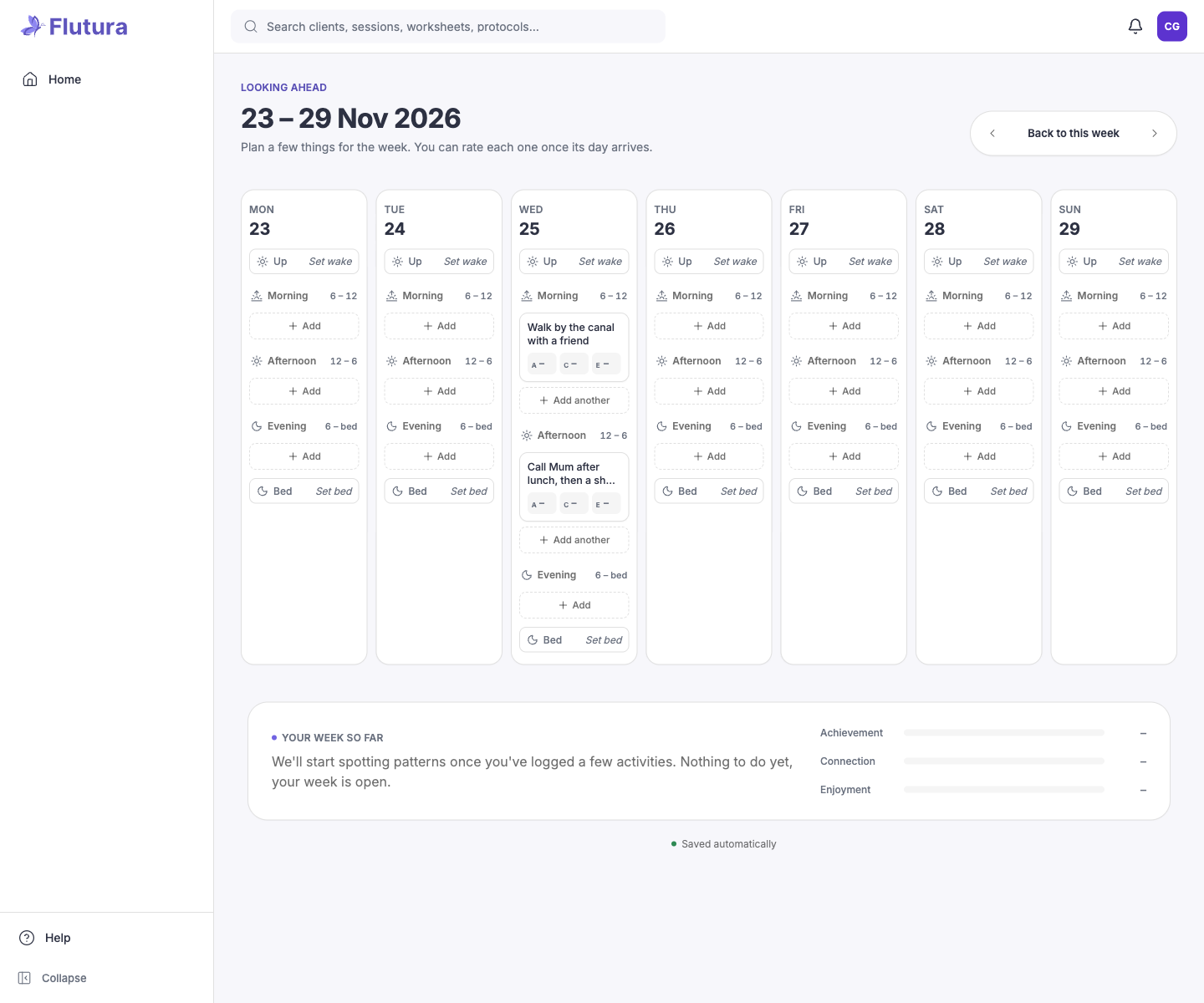
Use this diary to briefly record what you did each day and how it felt. You can add activities for the morning, afternoon, and evening and rate them for achievement, connection, and enjoyment. Entries save automatically, and over the week, you may start to notice helpful patterns.
This is your behavioural activation diary. Each day, you record a few things you did and how they felt. There is no right or wrong way to fill it in, and you can take your time. You’ll see the whole week on one screen, with today clearly highlighted.
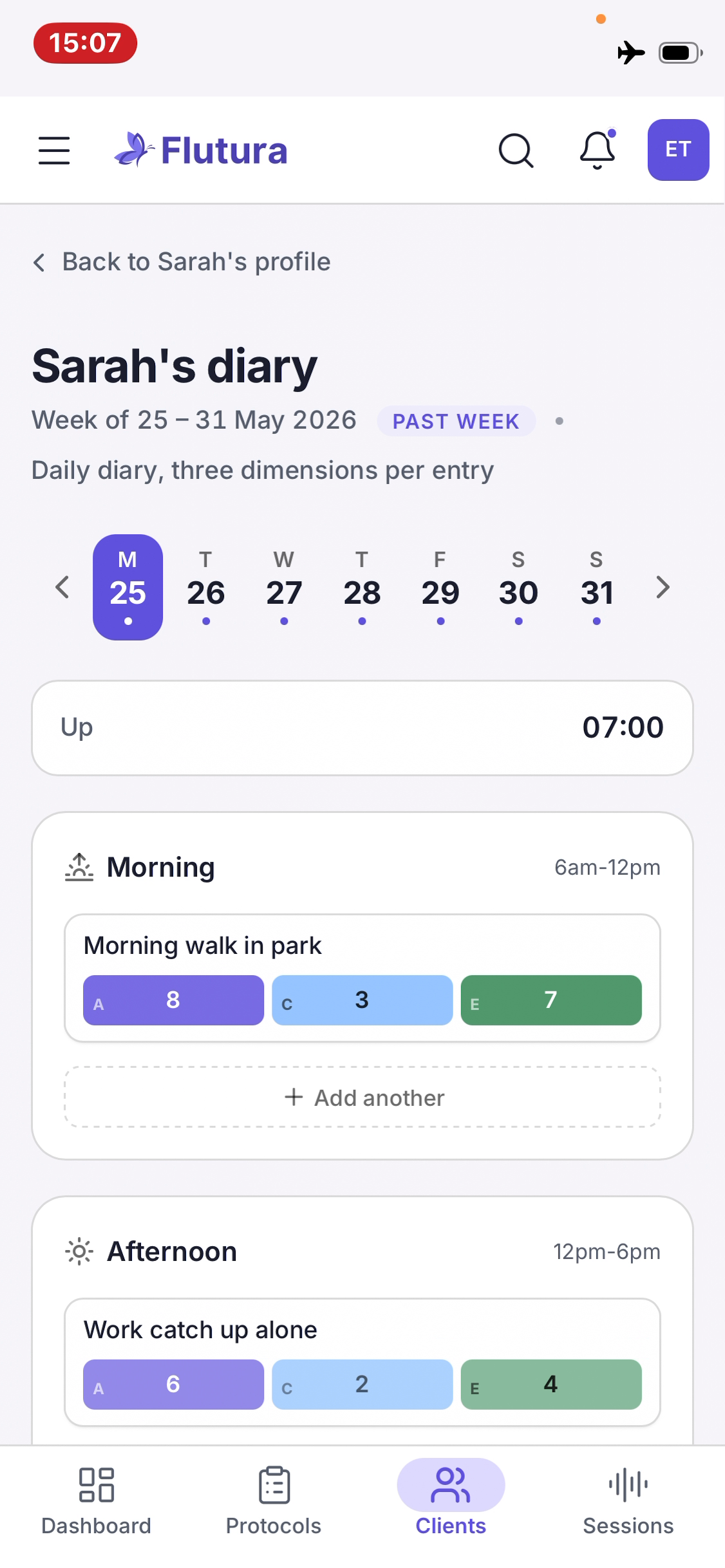
You can easily move between different days in the week to review or add entries.
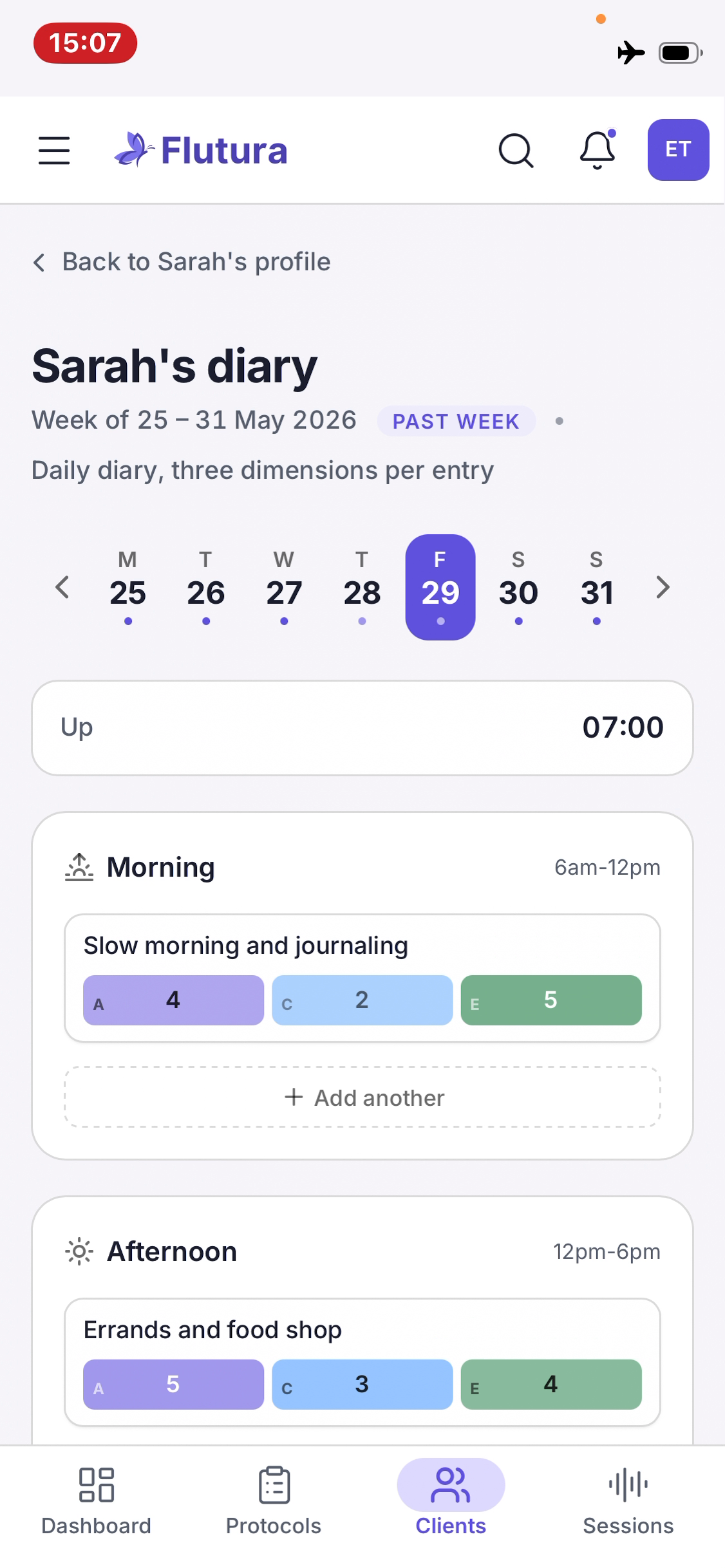
Each day is divided into three parts: morning, afternoon, and evening. Click Add in whichever part you want to start with.
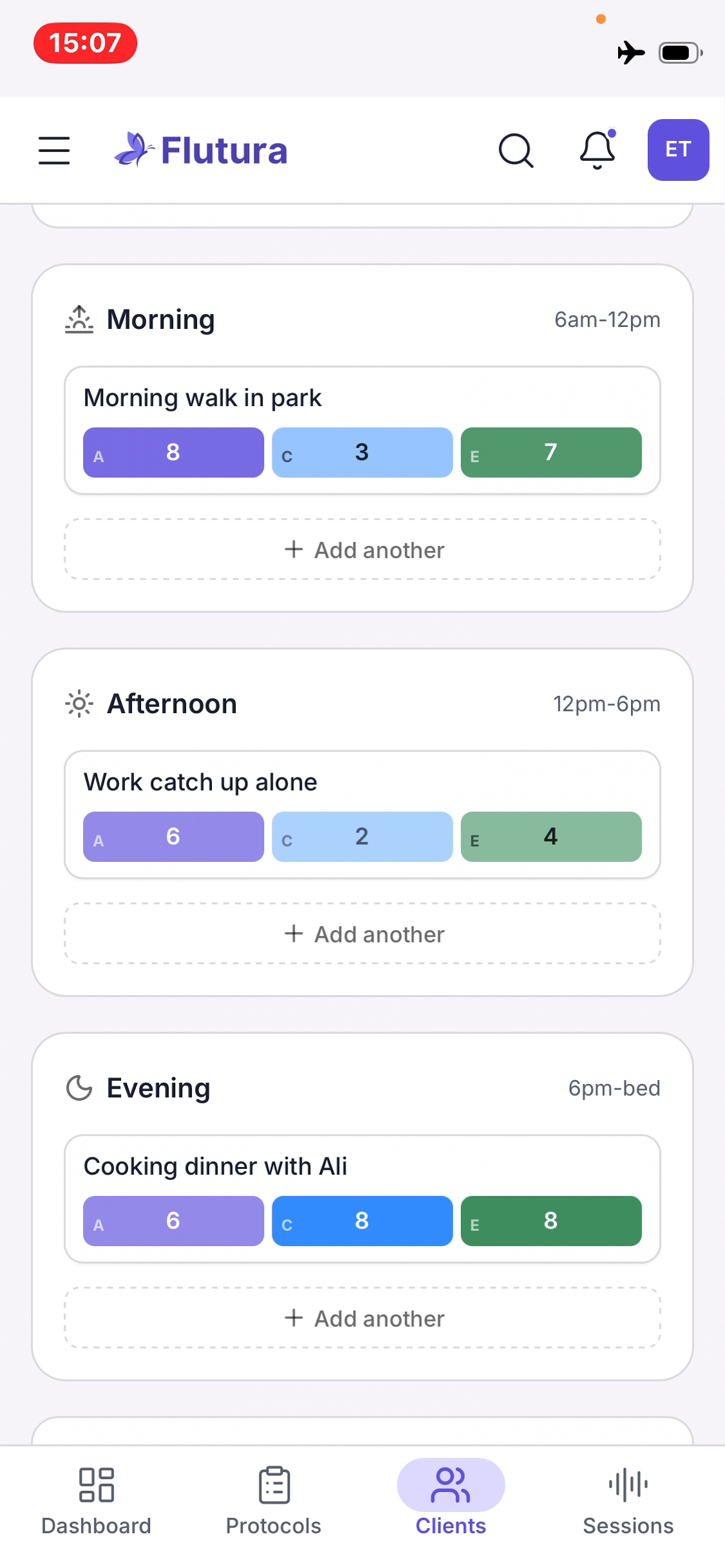
You can type a few words to describe what you did, or choose one of the pre-selected activity options.
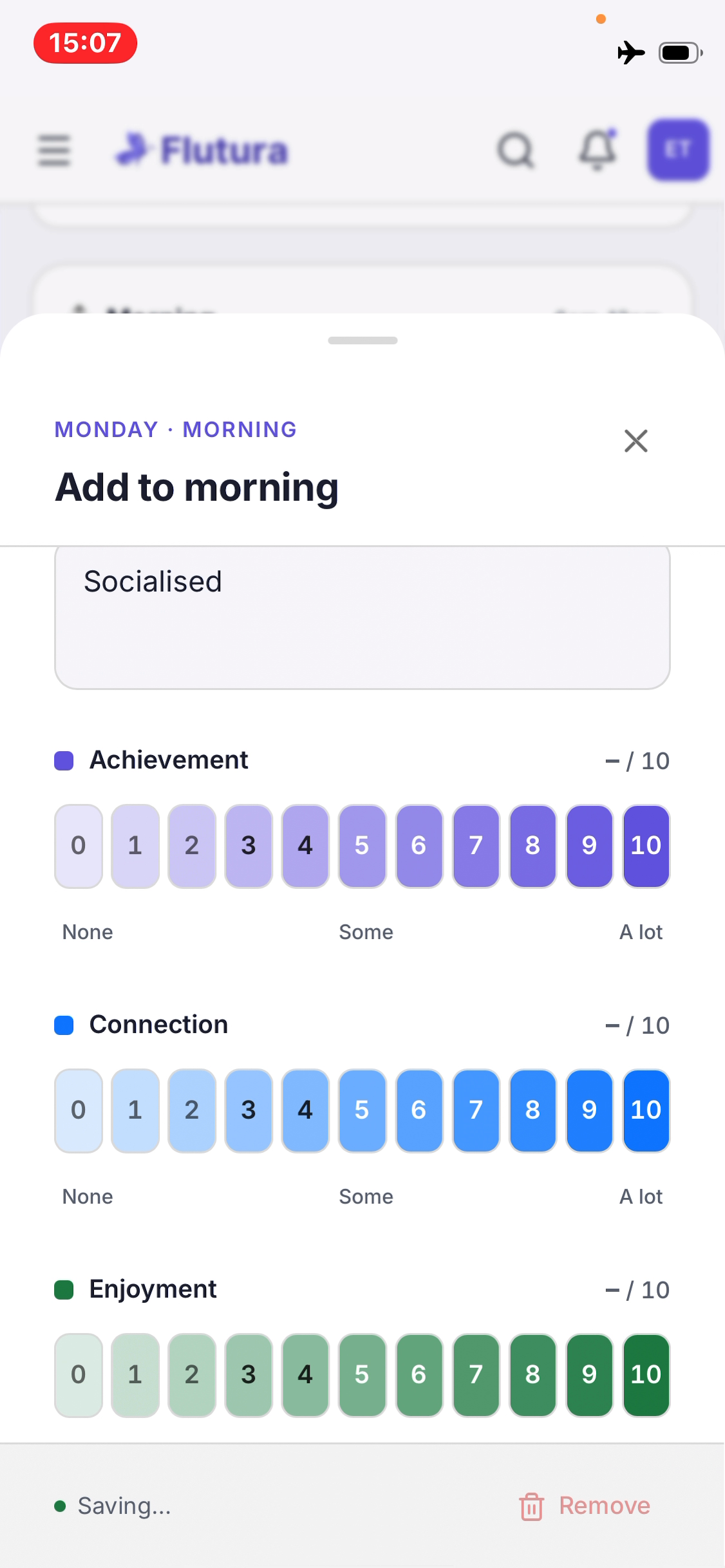
Now write the activity and rate how it felt on a scale from 0 to 10 in three areas:
Achievement – how much it felt like a step forward.
Connection – how connected you felt to other people, to yourself, or to something meaningful.
Enjoyment – how much you enjoyed it.
There are no right answers; whatever number feels honest to you is the right one.
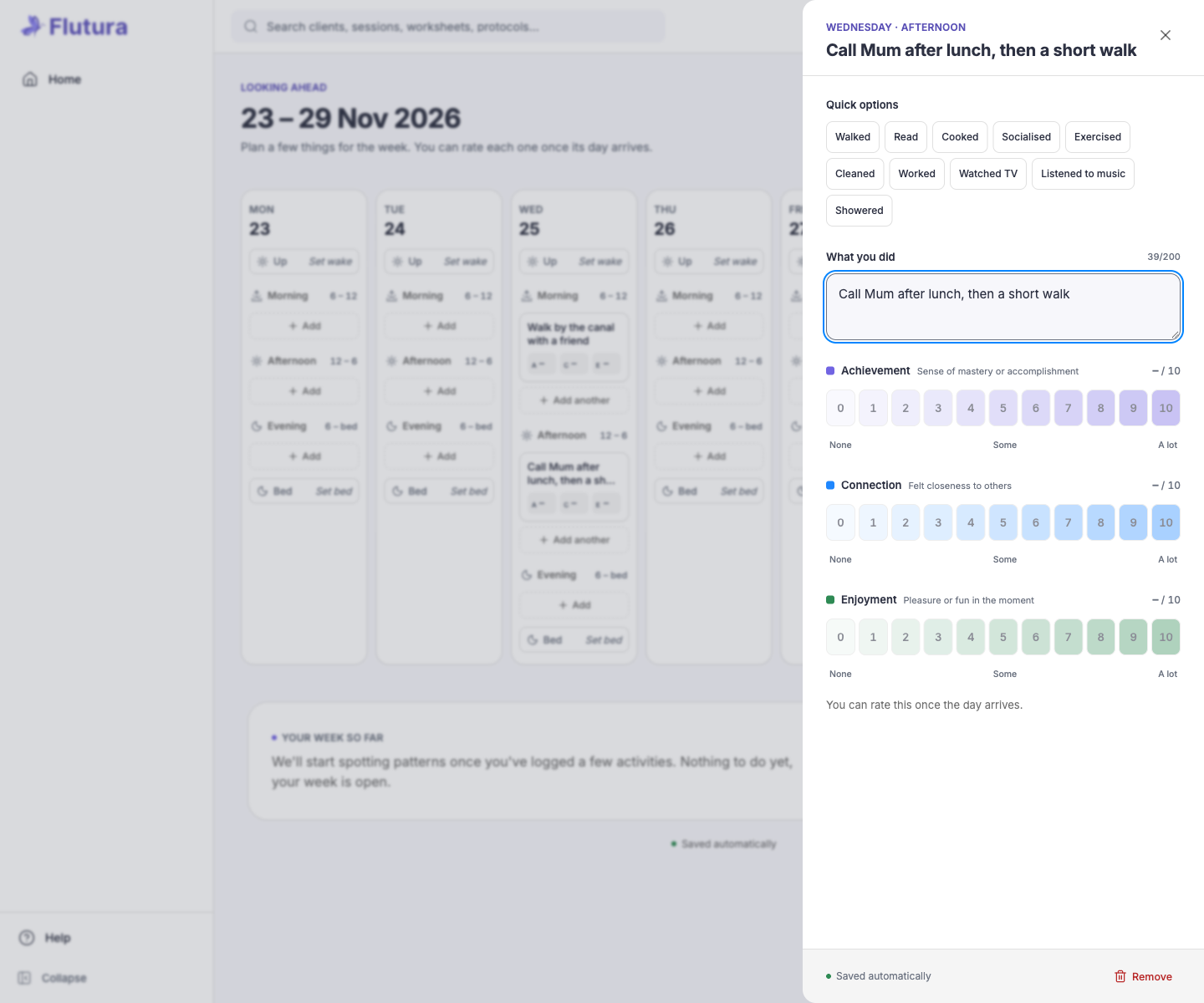
Planning something for a day that has not come yet? The rating buttons stay greyed out until that day, with the note You can rate this once the day arrives. You can still change the words or remove the activity.
Your entry saves on its own; you don’t need a save button. As the week fills in, a pattern note may appear at the bottom of the screen. It’s there if you find it useful, but there is no pressure to review it. A few minutes each day is plenty—some days will feel fuller than others, and that is completely fine.
Use the arrows to move to another week.
Earlier weeks are there to look back on. You cannot add to them or change them.
Coming weeks are for planning. The top of the page reads LOOKING AHEAD. Add a few things you would like to do, on your own or with your therapist. Your therapist may add some too.
Each planned activity can be rated once its day arrives. On a larger screen, Back to this week takes you straight back to the current week.