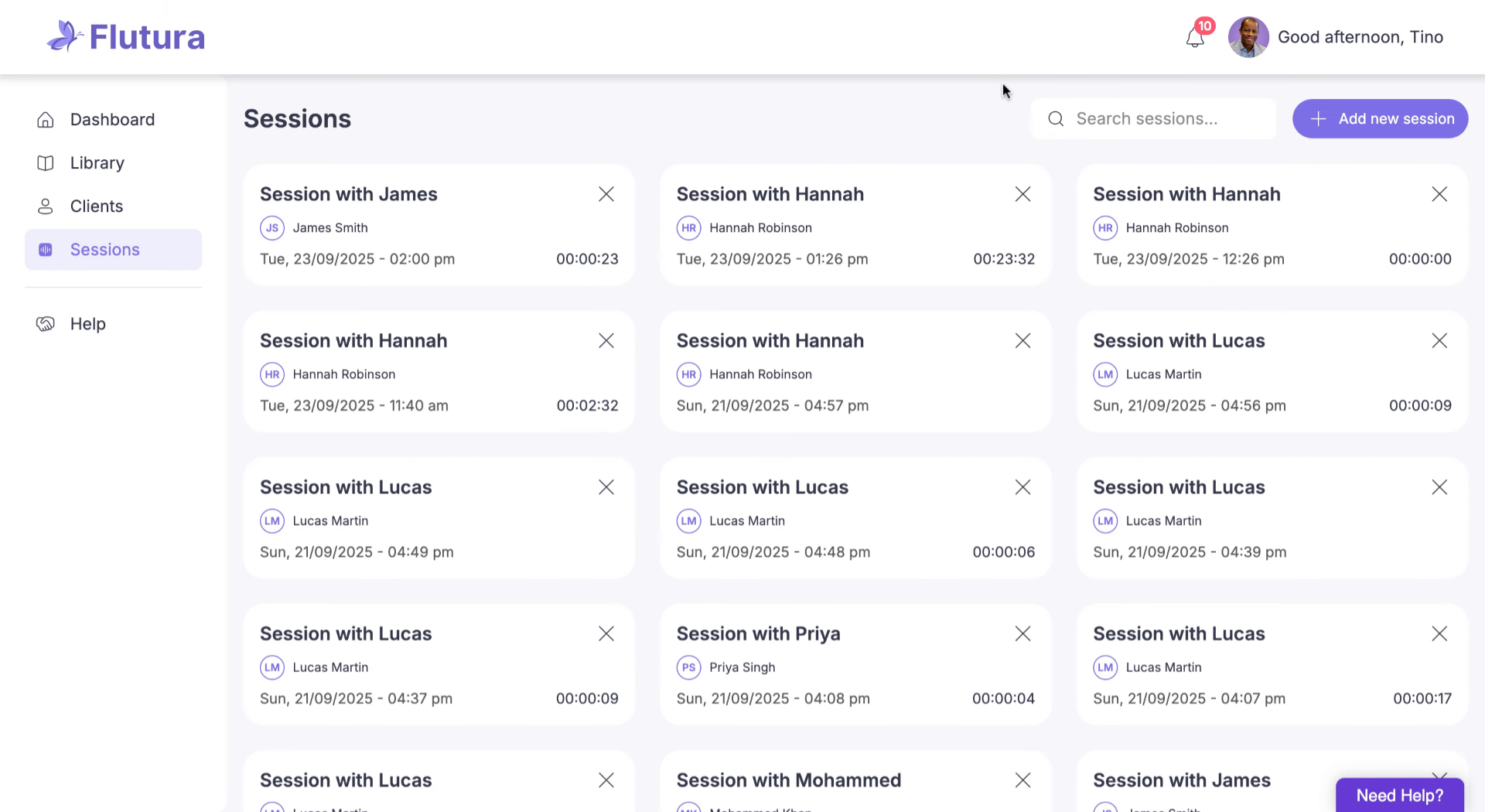
The Therapy Session Notes area organises all your recorded sessions in a structured and easy-to-access format. You can review summaries, transcripts, your own notes, and audio — all in one place.
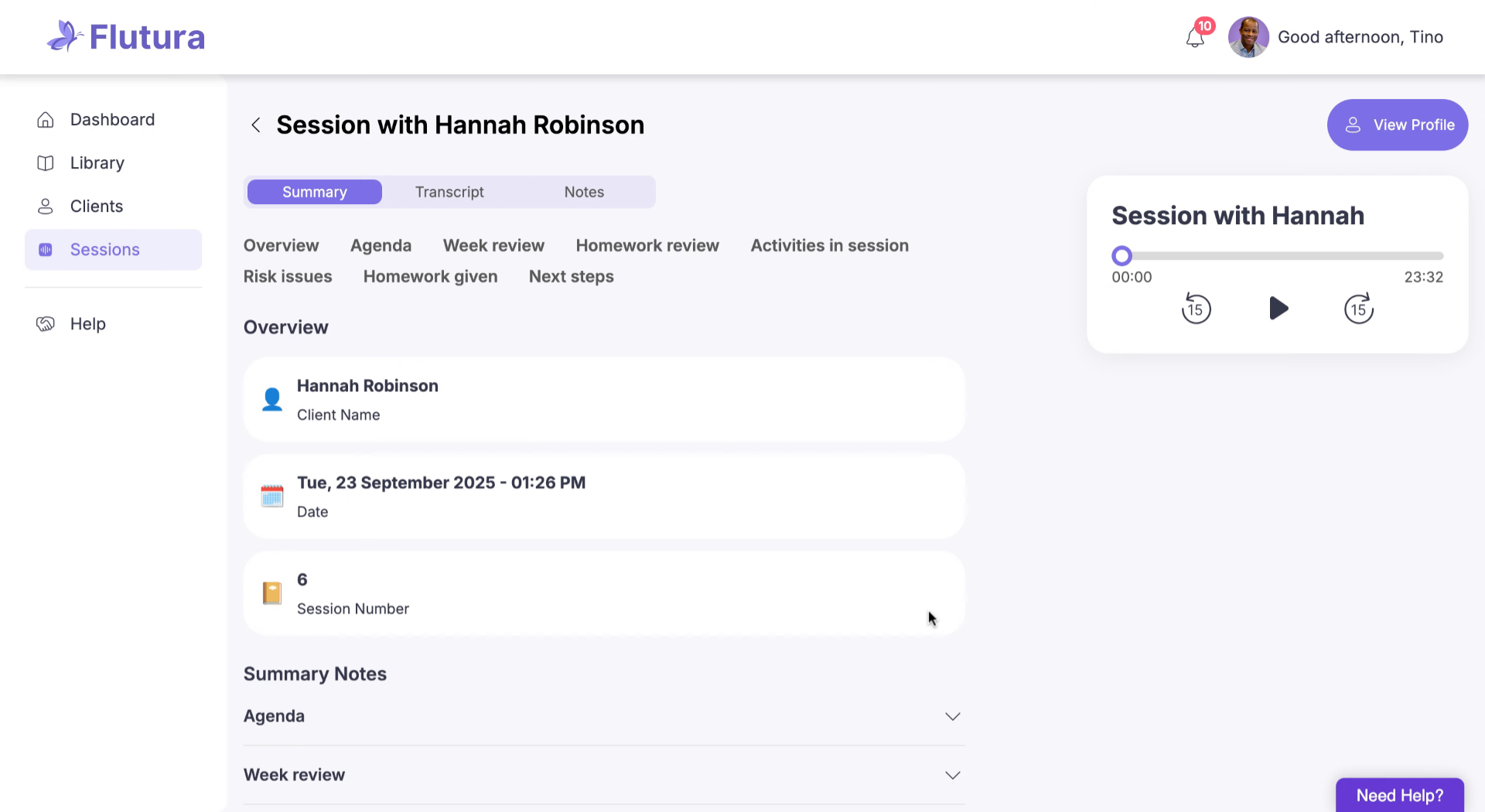
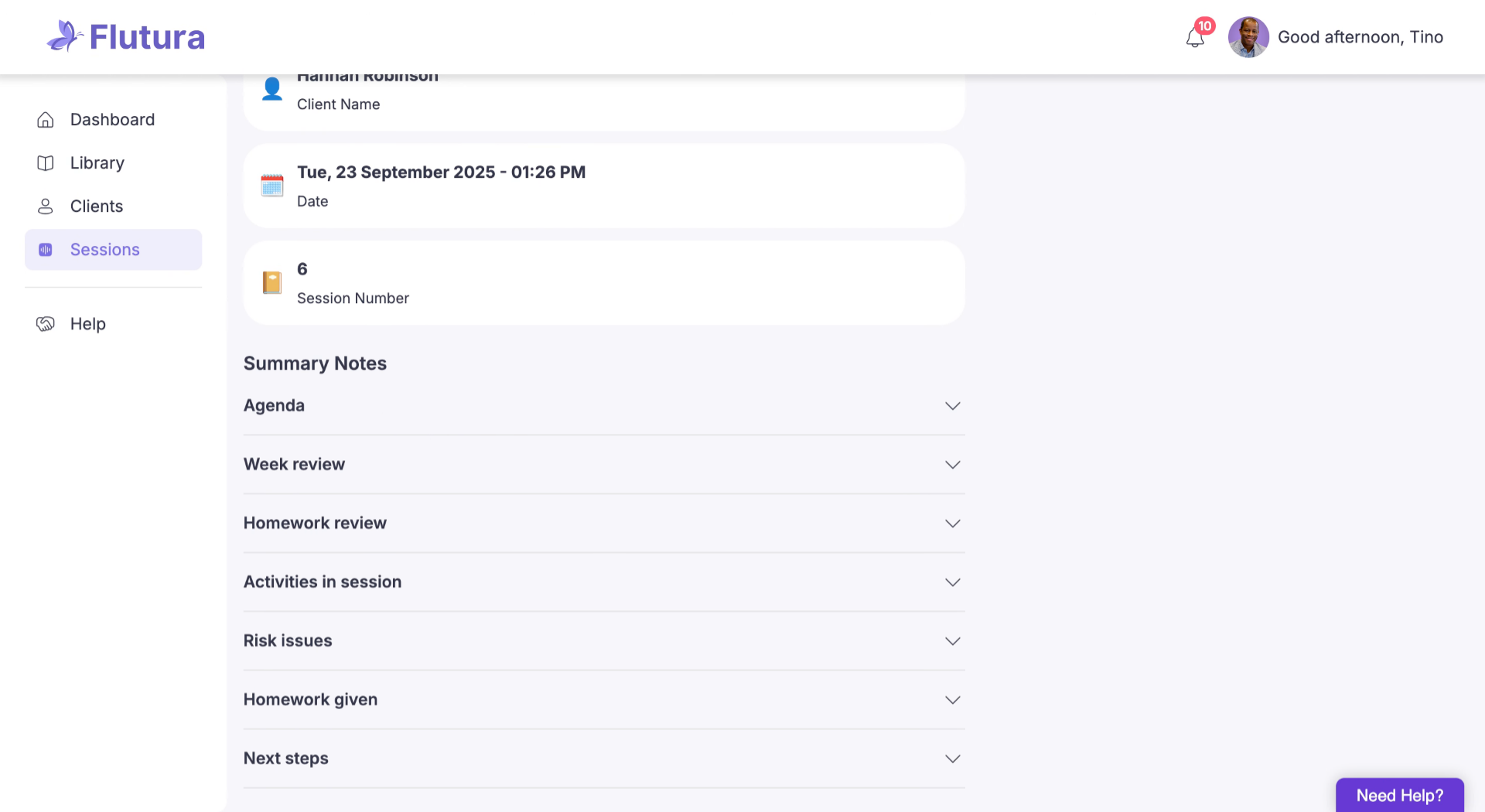
See client details and a structured session overview. Auto‑generated CBT session notes capture agenda, week review, activities, and next steps.
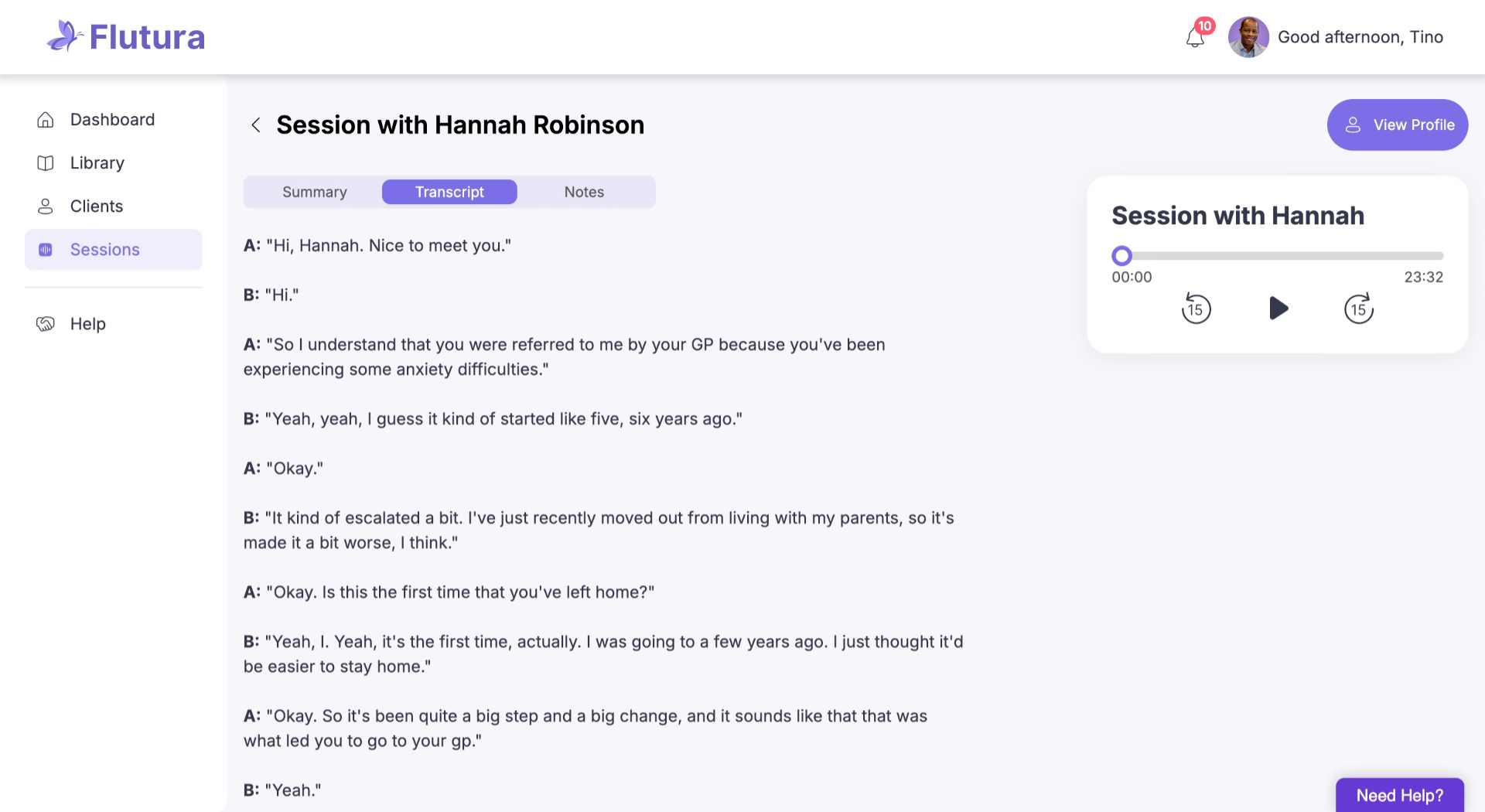
Read the full session transcript. Dialogue is marked as Speaker A (therapist) and Speaker B (client), with personal identifiers redacted for safety.
Use the Notes tab to record personal reflections, plans, or details that supplement the auto‑generated summary.
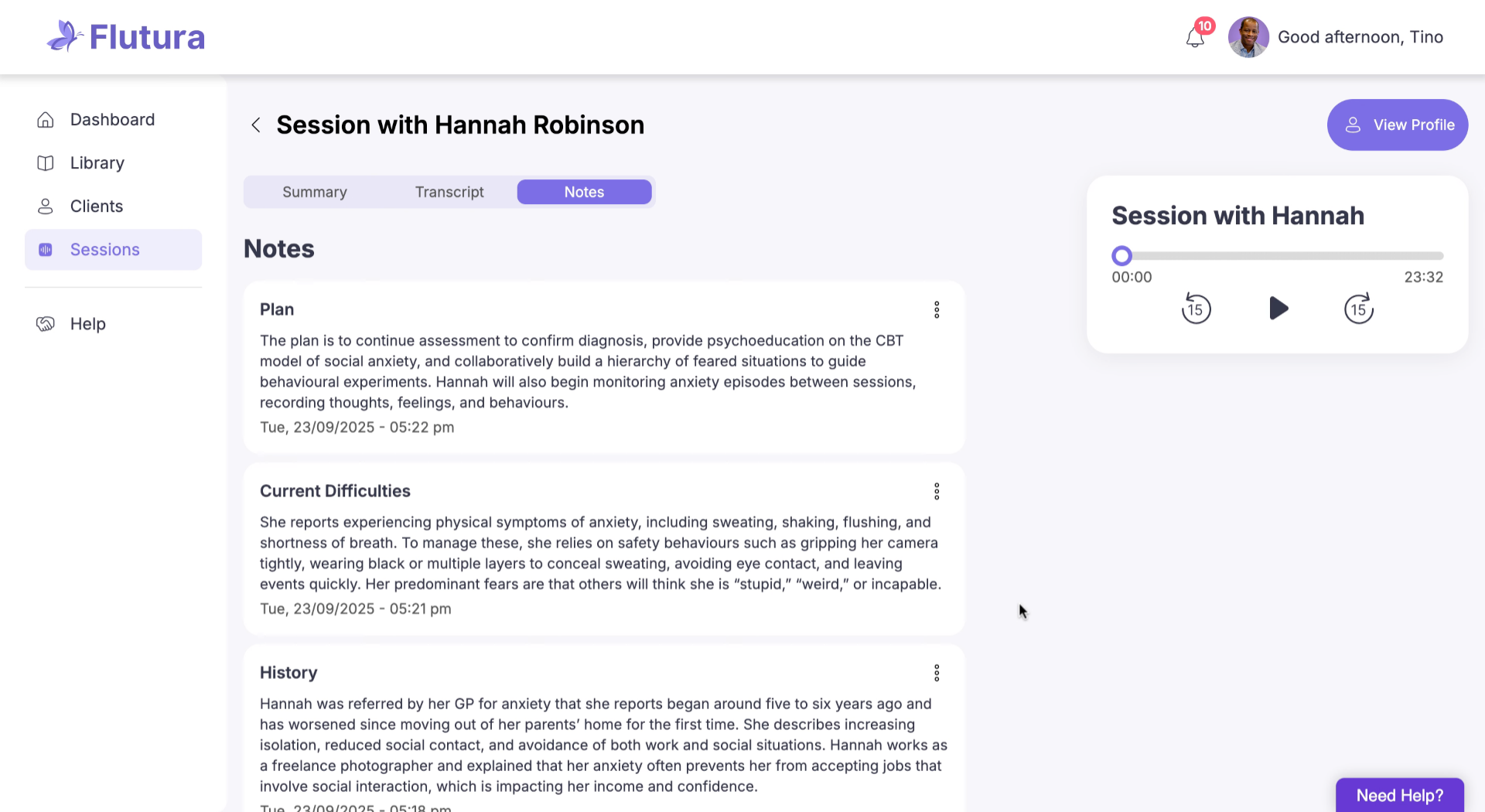
On the right, use the audio player to listen to the session. Skip forward or back in 15‑second steps.
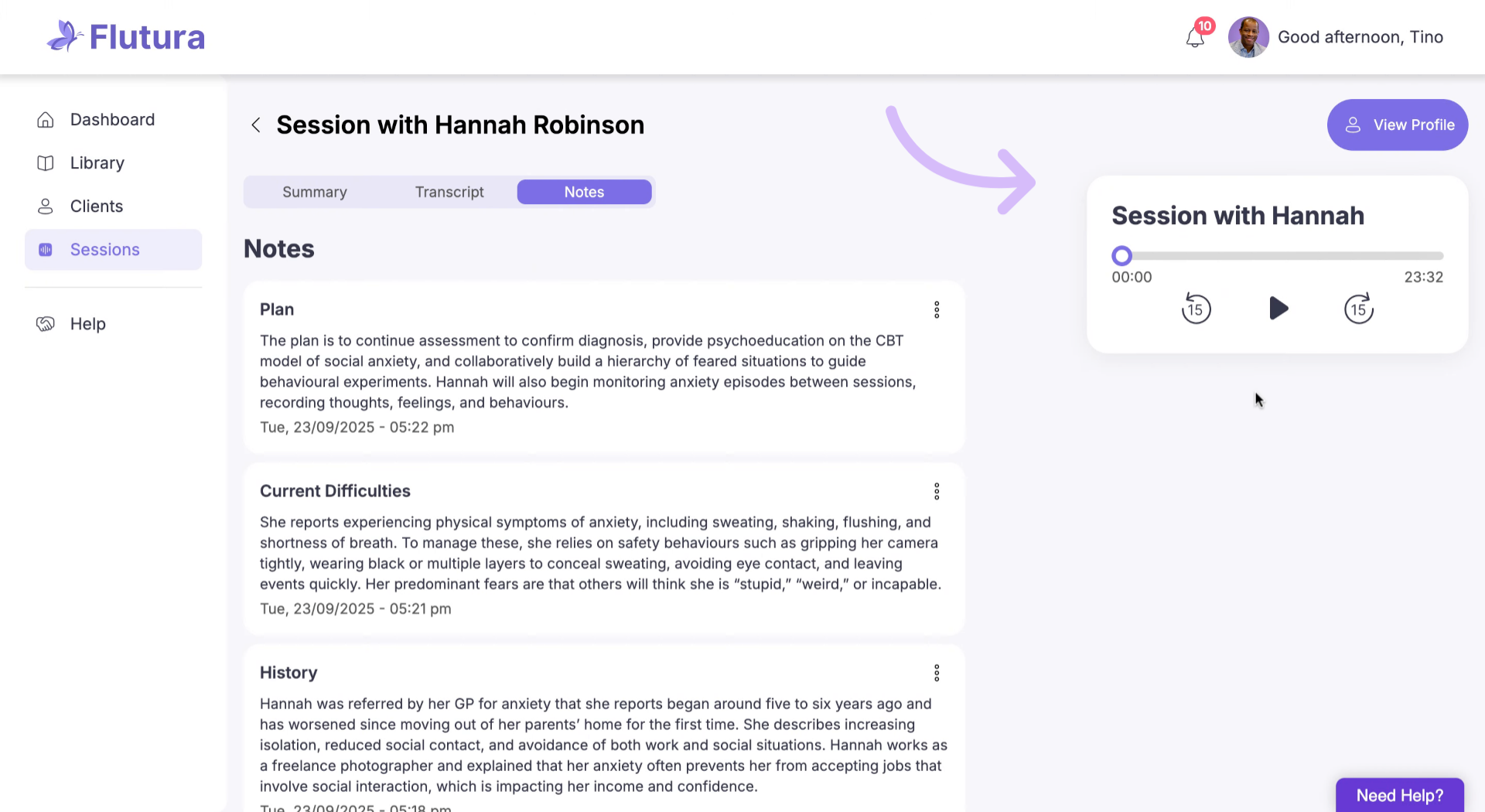
That’s it. Your Therapy Session Notes bring together summaries, transcripts, notes, and audio so you can review and reflect with ease.
Transcript not loading: Refresh the page or check your internet connection.
Audio player not working: Ensure your device sound is on; try a different browser if needed.
Notes not saving: Check your connection; unsaved notes remain visible until the page is refreshed.
Auto‑summary missing details: Open the Transcript tab for the full conversation; summaries are intentionally concise.