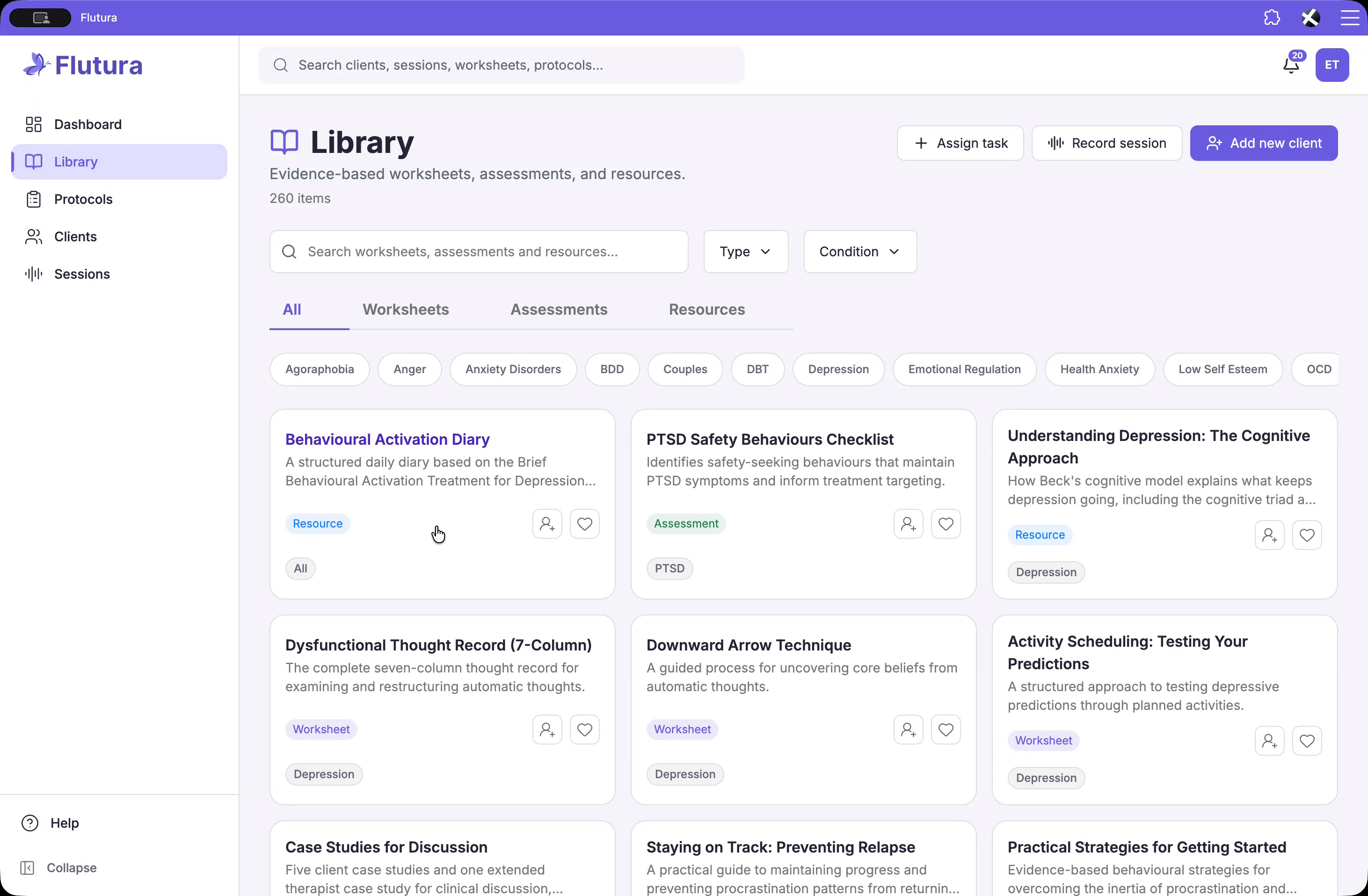
Locate the Behavioural Activation Diary in your library. This page provides everything you need before assigning it to a client. You can review:
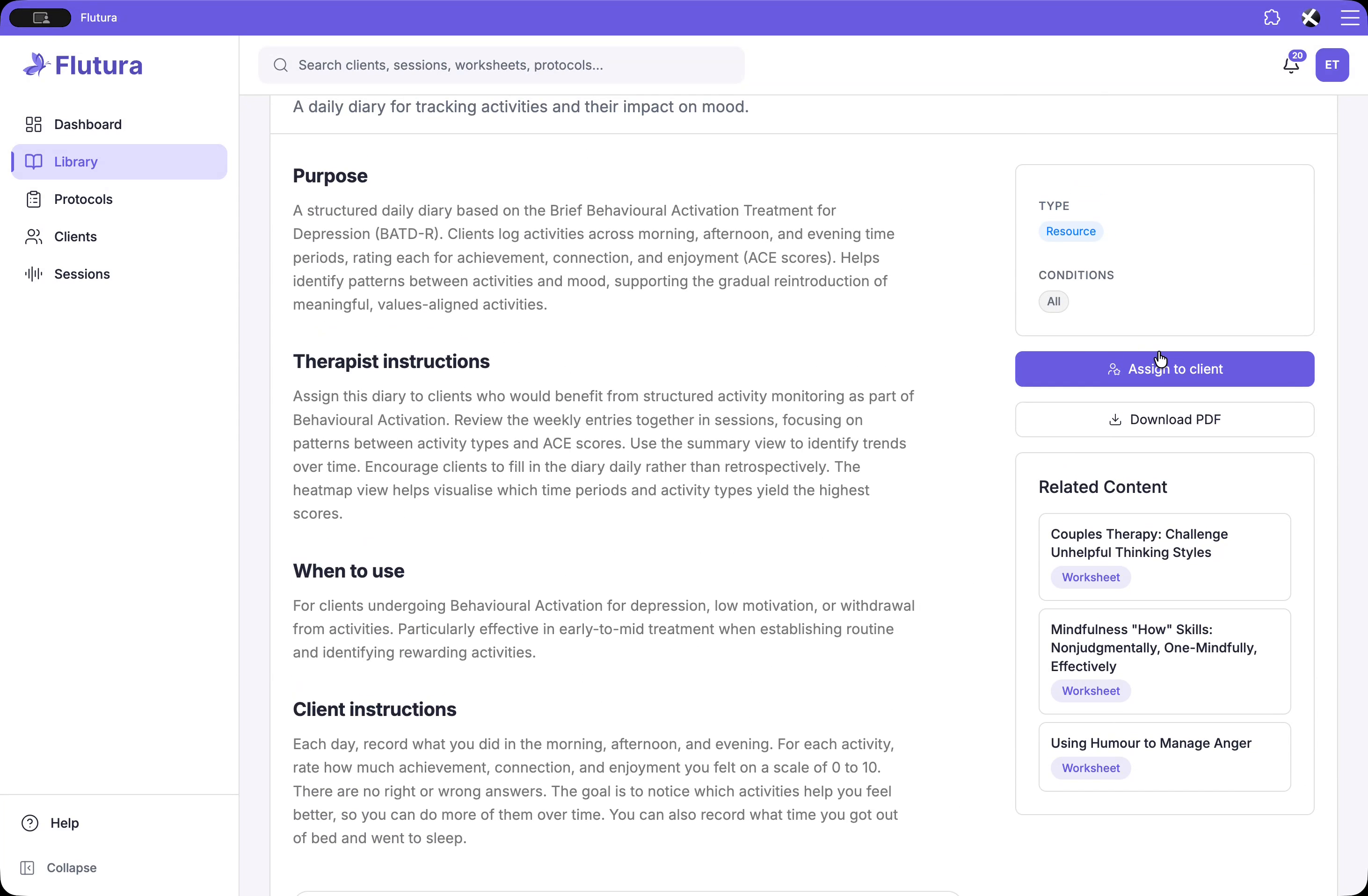
The purpose, including the evidence base (built on brief behavioural activation for treatment of depression).
Therapist instructions on how to use it in session.
When to use it, including typical indications such as depression, low motivation, or withdrawal from activities.
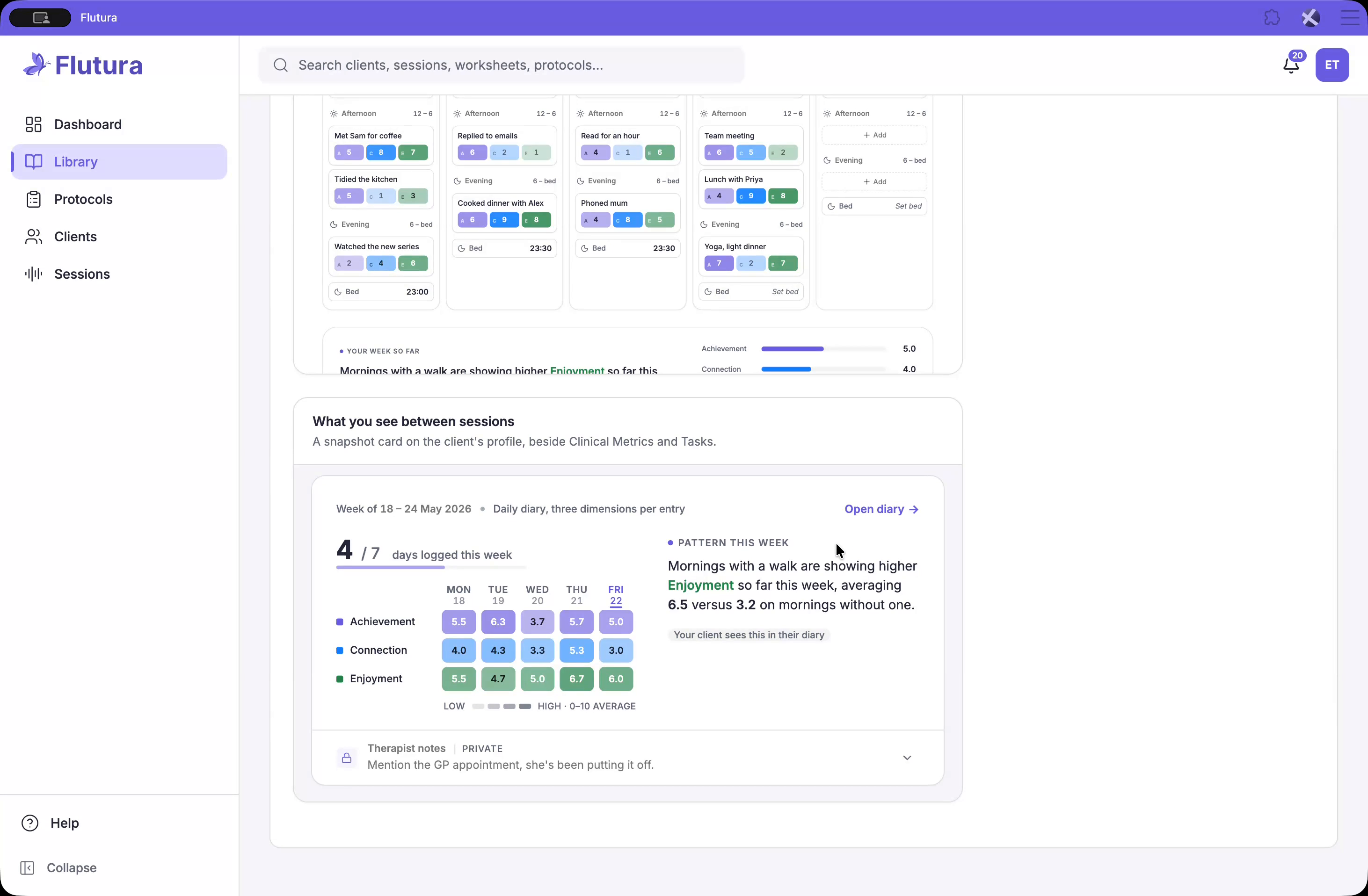
You can also preview both sides:
What the client sees in their daily diary.
What you will see on the client profile between sessions.
No assignment data is required to view this; you can read and explore it without committing to an assignment.
Assigning the Behavioural Activation Diary follows the same workflow as any other worksheet.
Start the assignment flow from the library entry for the diary.
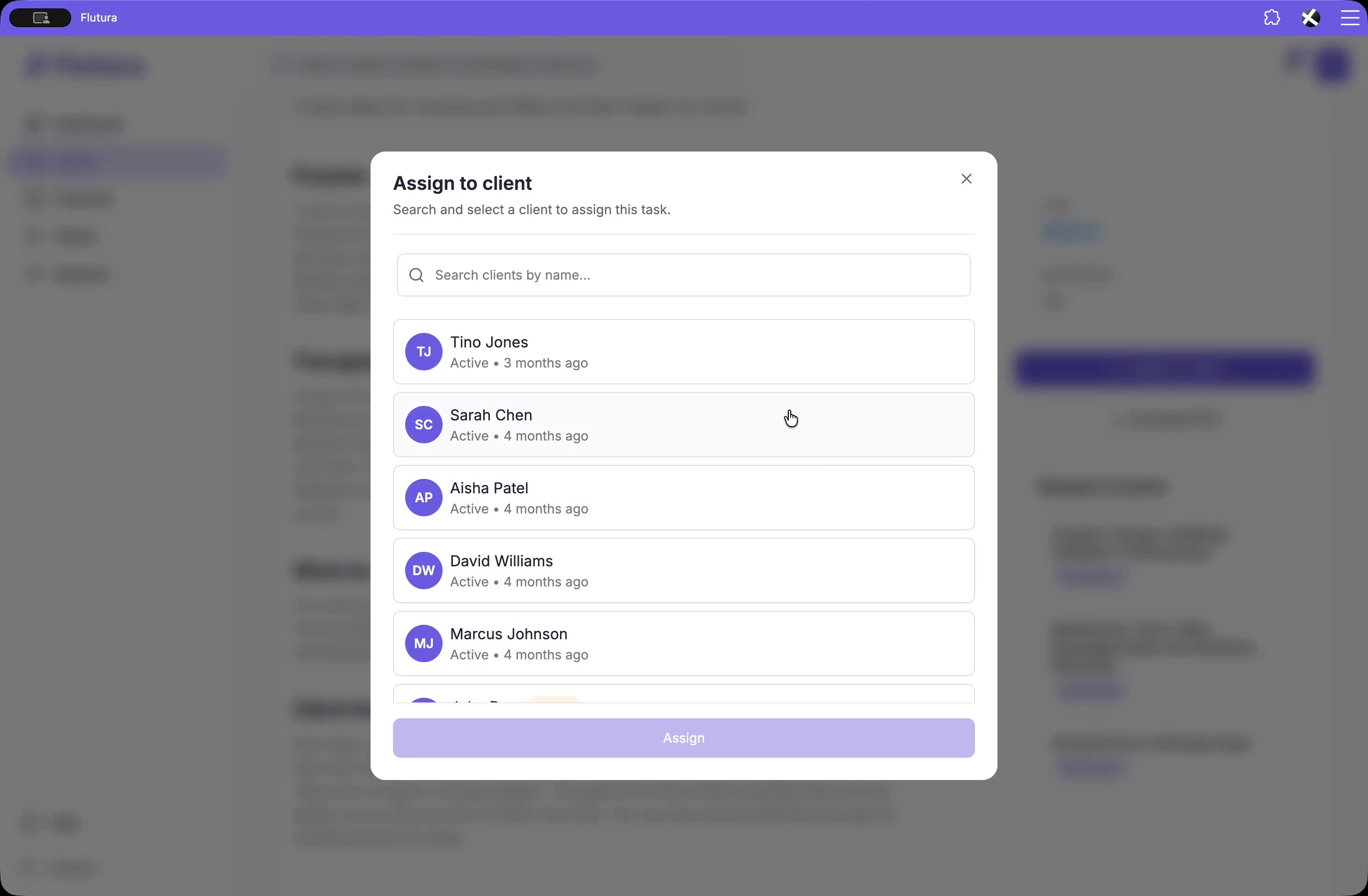
Select the appropriate client to receive the diary.
You may skip the due date if you prefer to keep it open-ended.
Optionally, add a short introduction or message to explain why you’re assigning it or how you’d like them to use it.
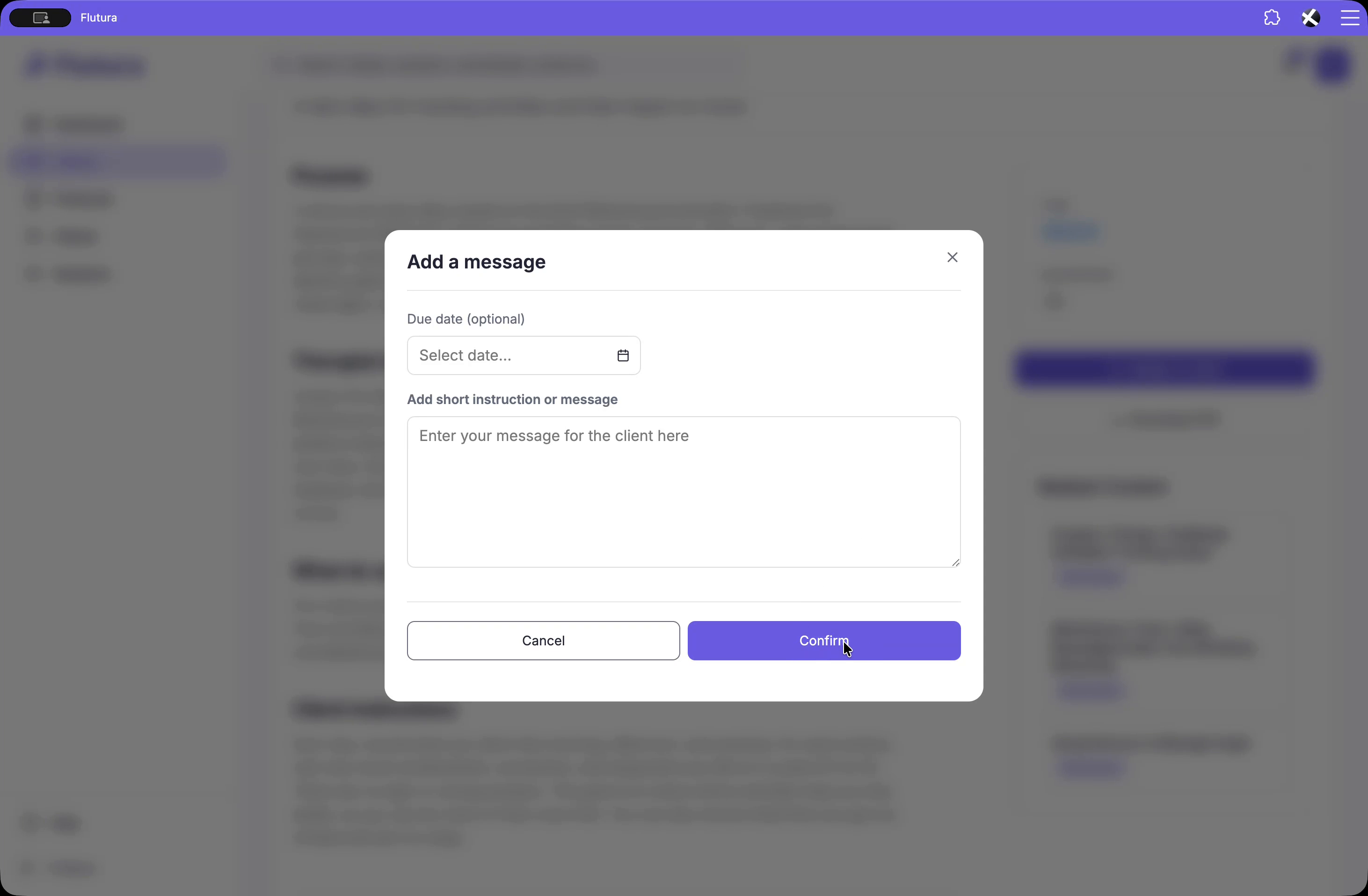
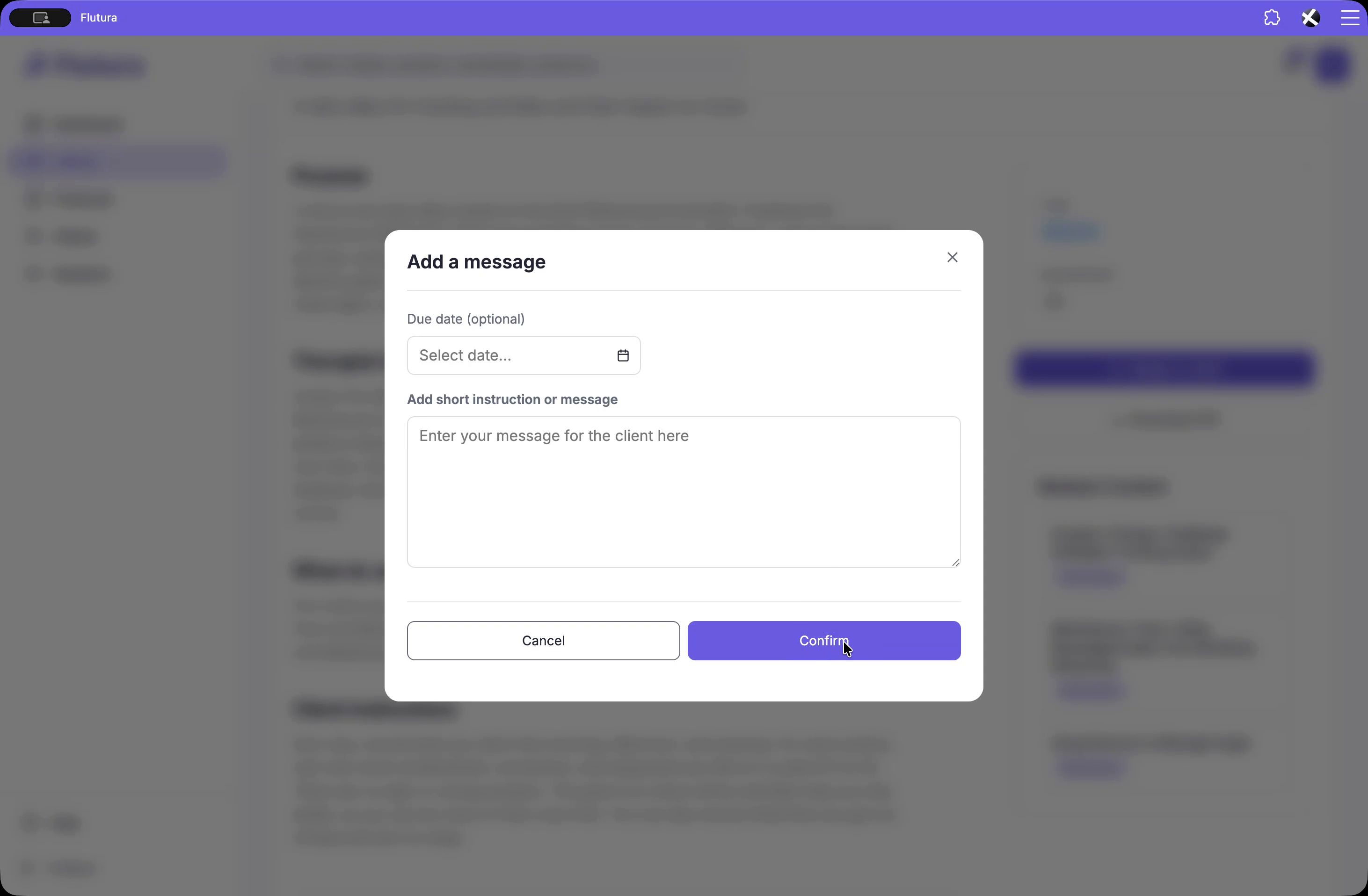
Once you complete the assignment, your client immediately receives the diary in their task list, and a snapshot card will appear on their profile as soon as they log their first entry.
After the client starts using the diary, a snapshot card appears on the client profile, just below clinical metrics. This is where the diary “lives” between sessions.
From this snapshot, you can see at a glance:
How many days they’ve logged in the week.
A 7-day grid showing achievement, connection, and enjoyment scores.
A pattern panel on the right, automatically generated from their entries, highlighting trends worth discussing in session.
Beneath the snapshot, there is a private therapist notes section. Anything you write here is visible only to you; the client never sees these notes.
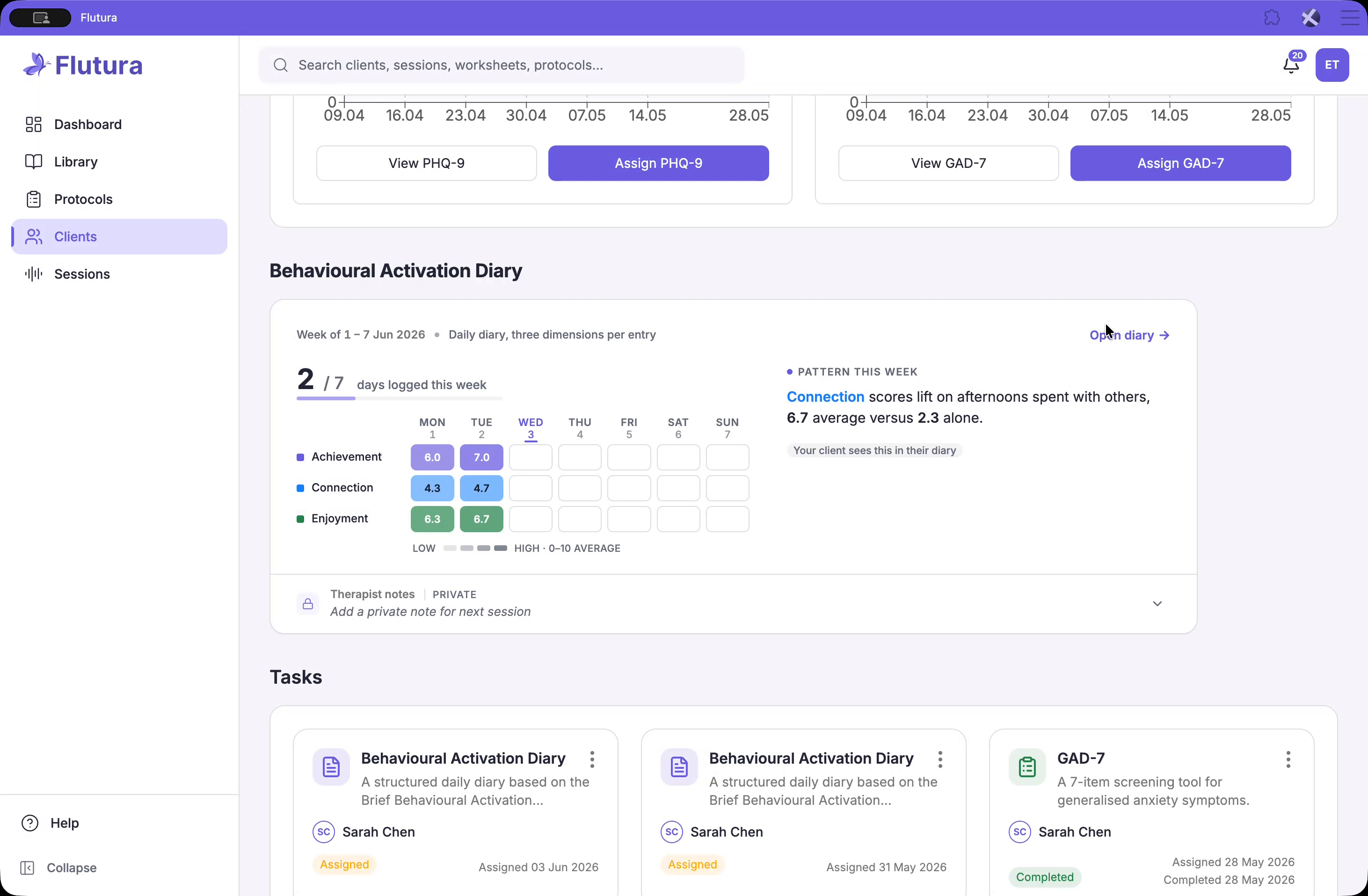
To review the diary in detail, click Open Diary from the snapshot card.
You’ll land on the full weekly view, where you can see:
Every day in the week.
Each time period and every activity the client logged.
Their associated scores for achievement, connection, and enjoyment.
This full view supports collaborative review during sessions.
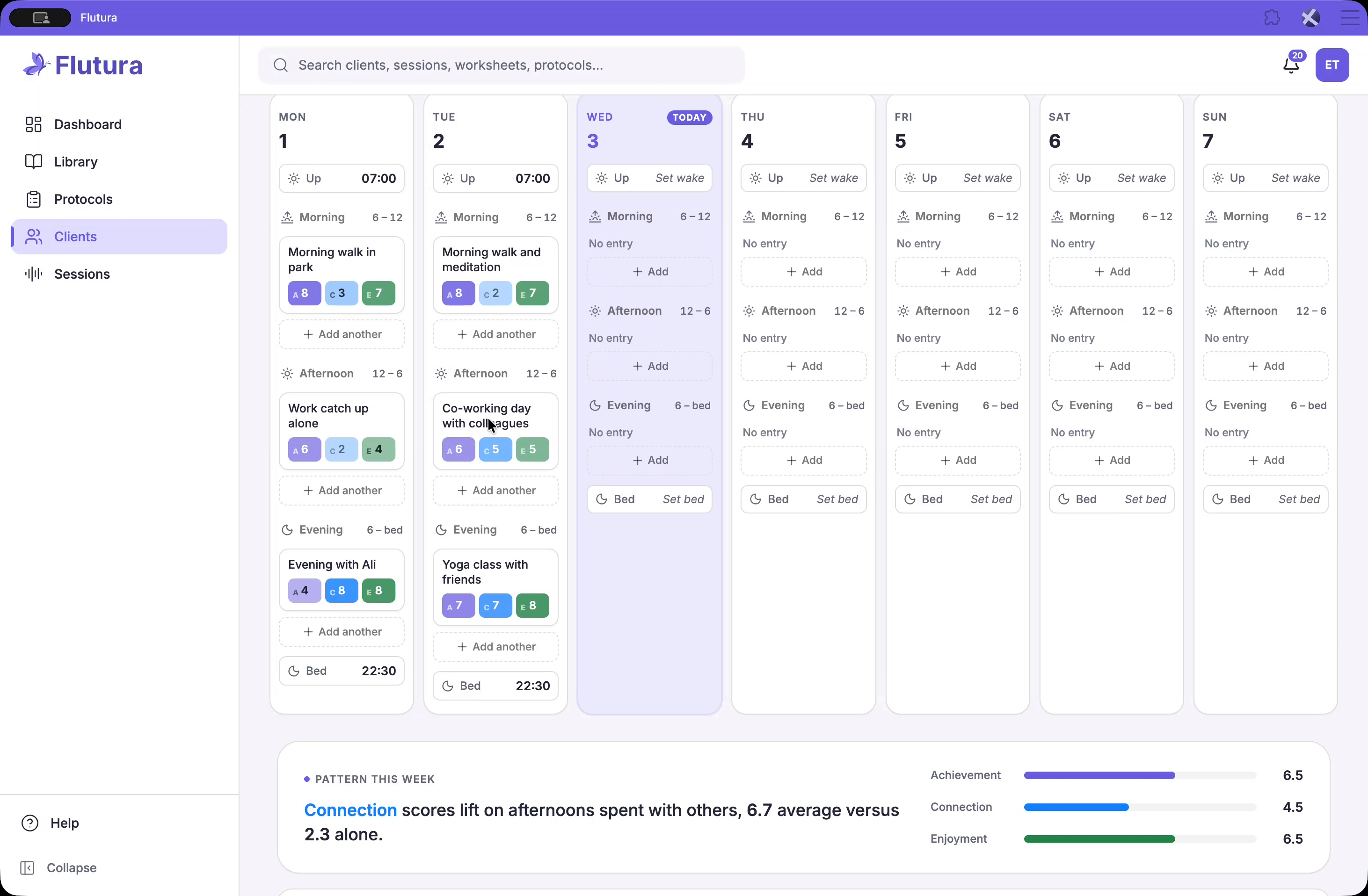
If you need to adjust an entry while reviewing the week with your client—for example, to reword an activity or correct a rating:
Click on the relevant activity card.
An editor drawer will slide in from the side.
Update the activity text or adjust the scores as needed.
All changes save automatically, so there is no separate save button required. As the week fills in, the reflection band at the bottom updates to reflect the client’s data.
Past weeks are fully editable as well. Use the arrows in the sidebar to move across time:
Click the sidebar arrows to navigate from week to week.
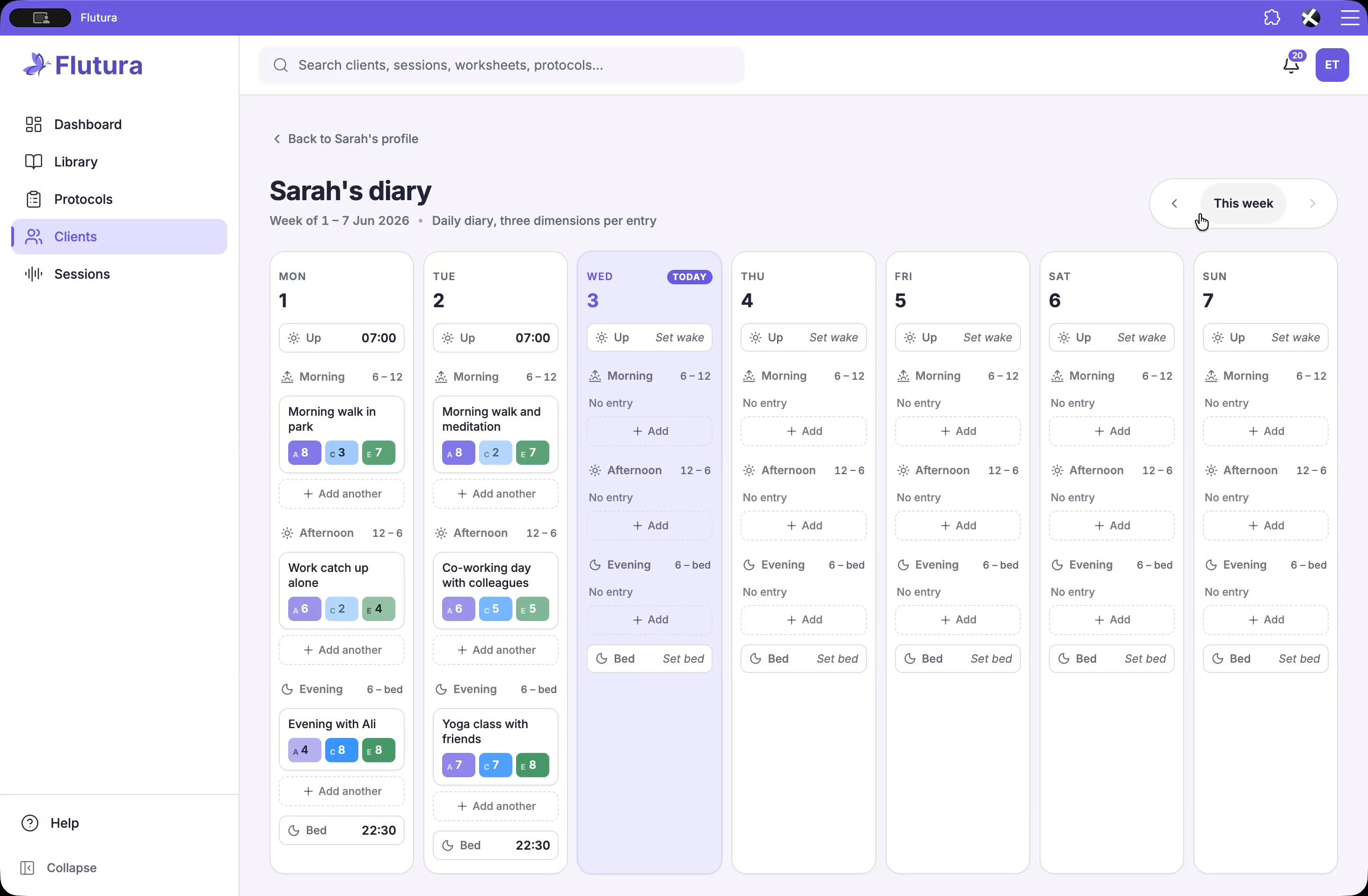
You can review patterns, adjust entries, and use the combination of:
Library preview (for understanding purpose and instructions),
One-click assignment,
Snapshot card (for quick session prep),
And the full diary view (for detailed review and joint editing), to make clients’ between-session behavioural activation work visible without adding to your admin load.