This guide shows you how to sign up for Flutura and set up your therapist profile.
Open your browser and visit: https://workspace.flutura.app/

On the sign-up screen, choose the therapist option.
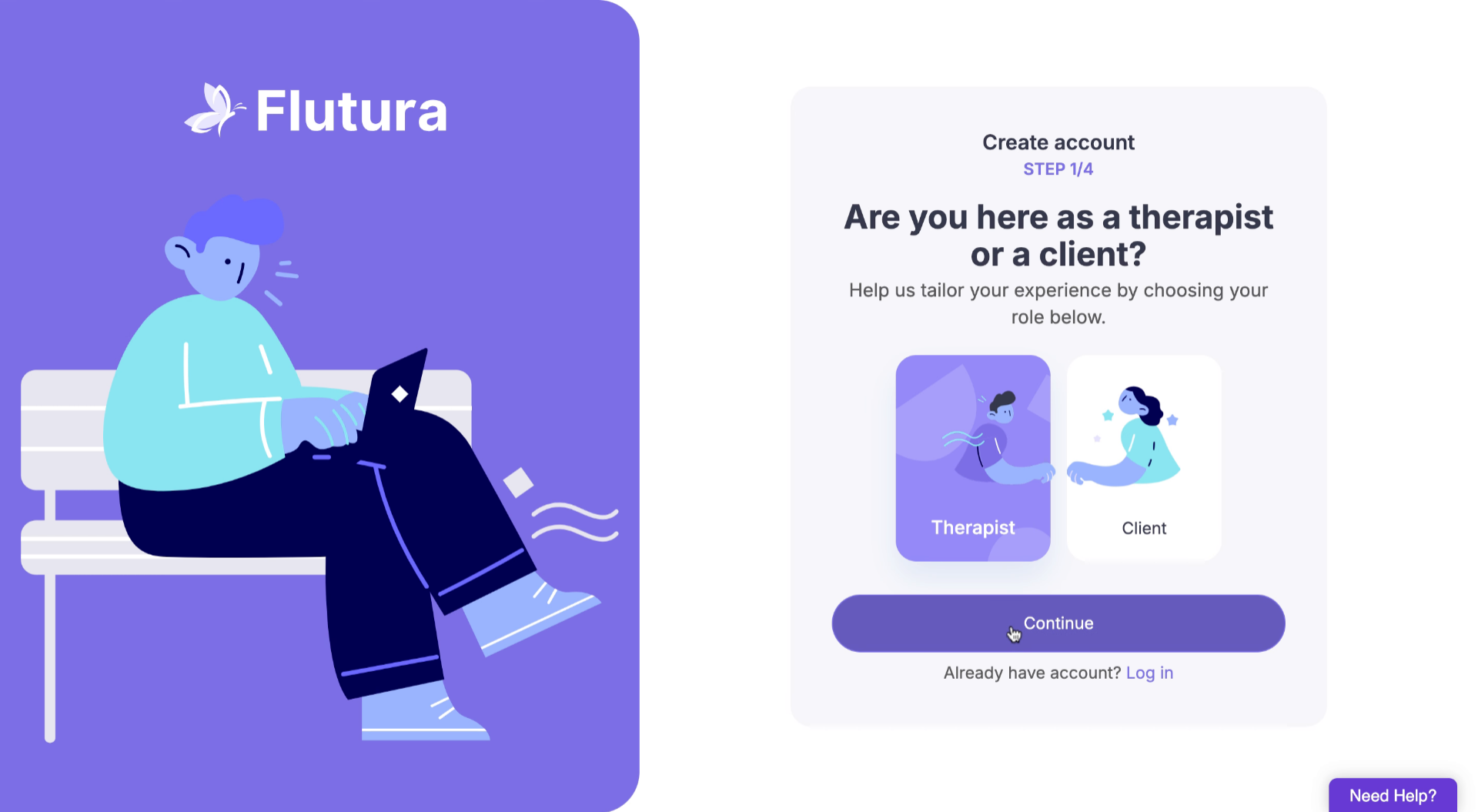
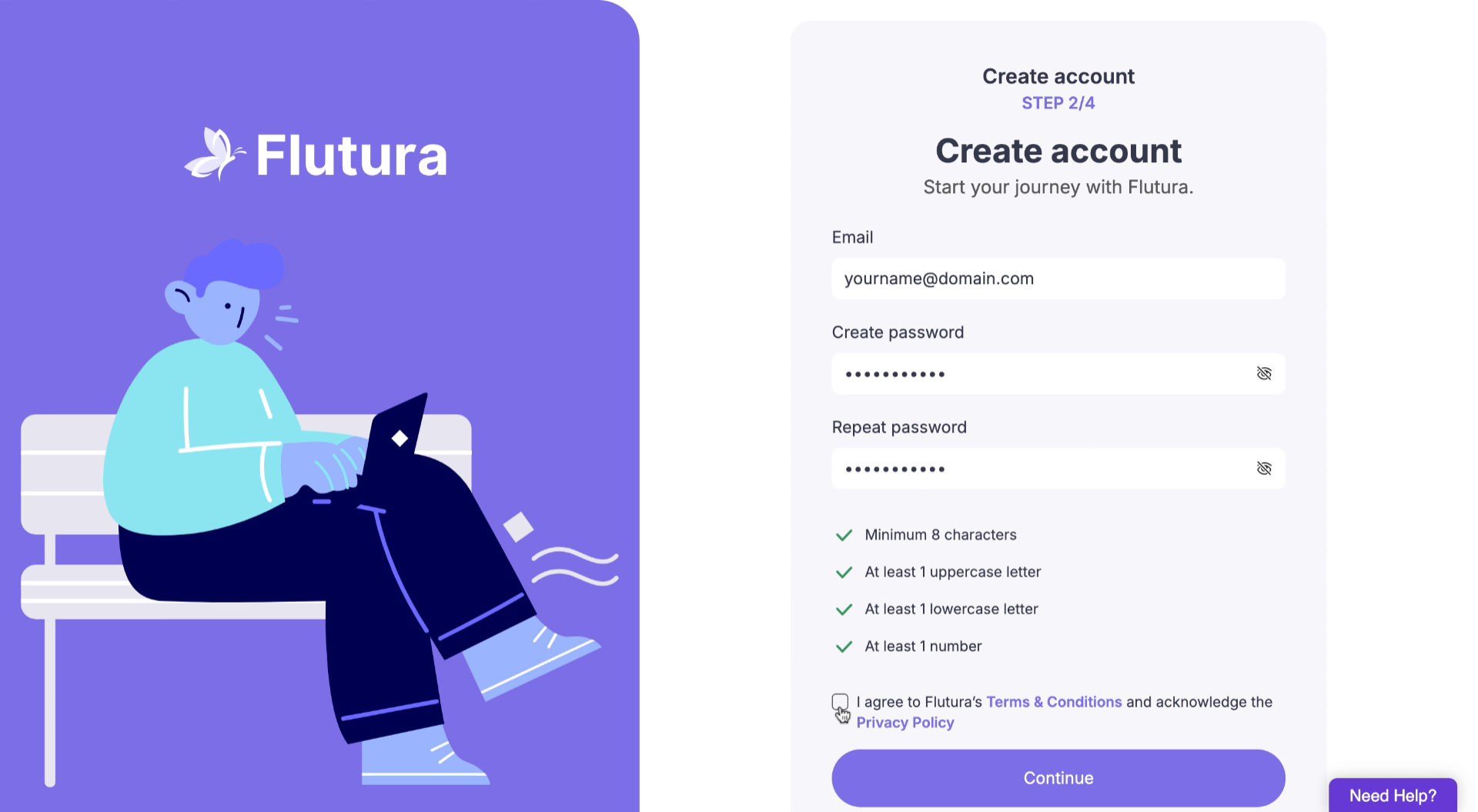
Fill in your:
Full name
Professional email address
Secure password
Click Continue to proceed.
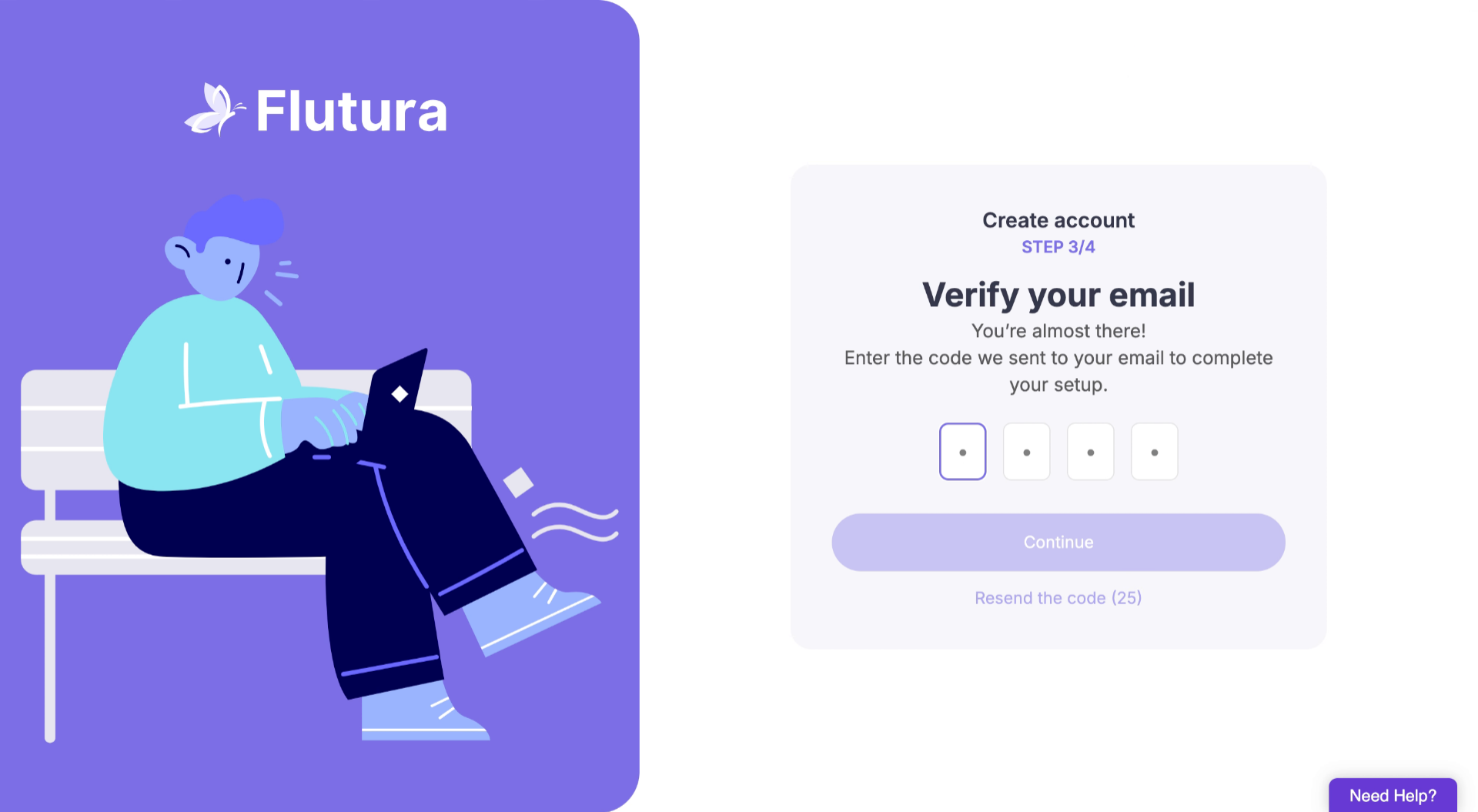
Check your inbox for a confirmation email. Copy the one-time passcode to verify your account.
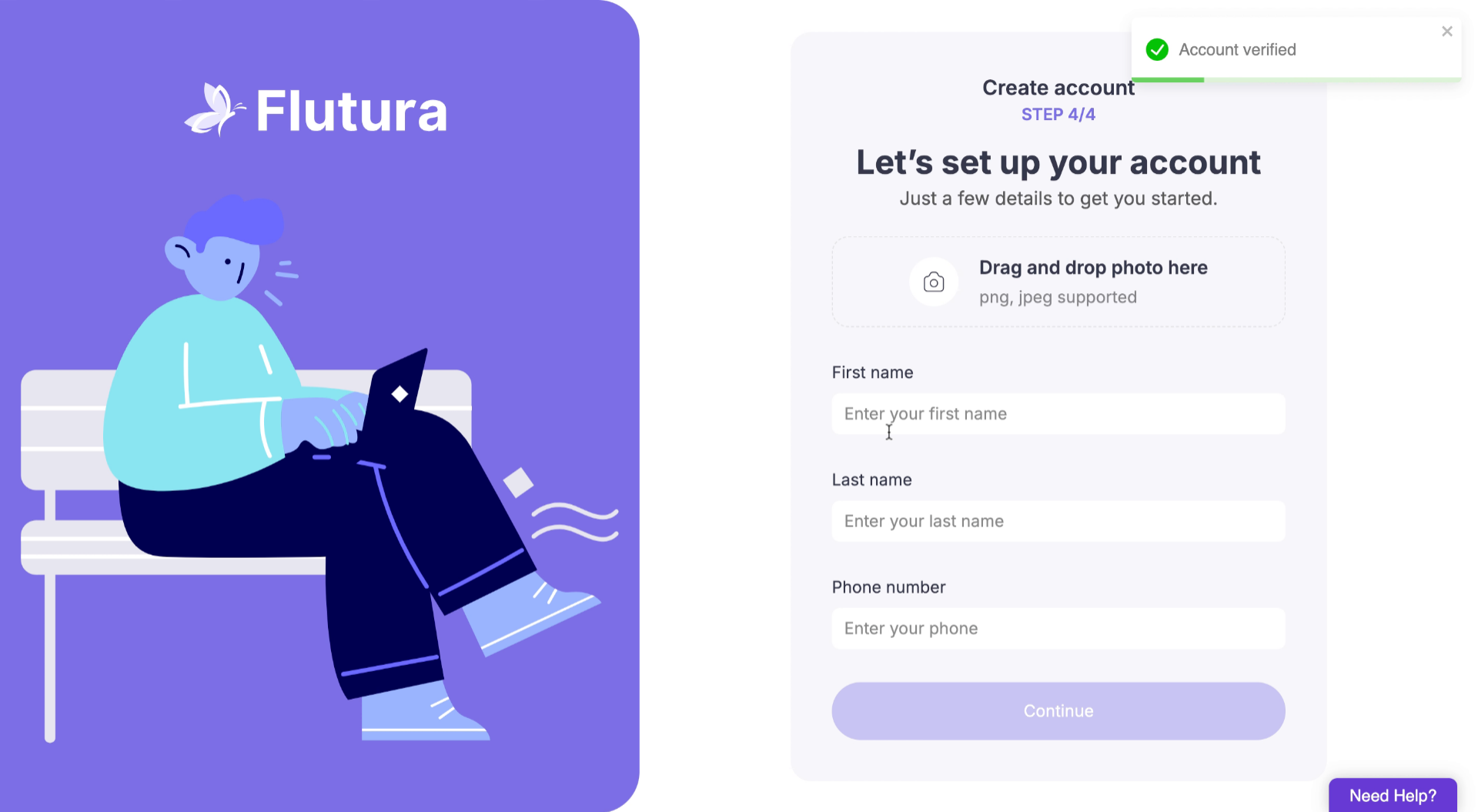
Log back in and add your:
Photo (optional)
First name
Last name
Phone number
Once your profile is complete, you’ll be directed to the payment page to complete payment and start using Flutura.

Didn’t receive the confirmation email? Check your spam or junk folder.
Error at sign-up? Make sure your password meets the requirements (at least 8 characters, one number, one symbol).
Using a work email? Some NHS/health systems block external links. Try your personal Gmail/Outlook account instead.